
InteleGates Guide
Are Electric Gates Worth It
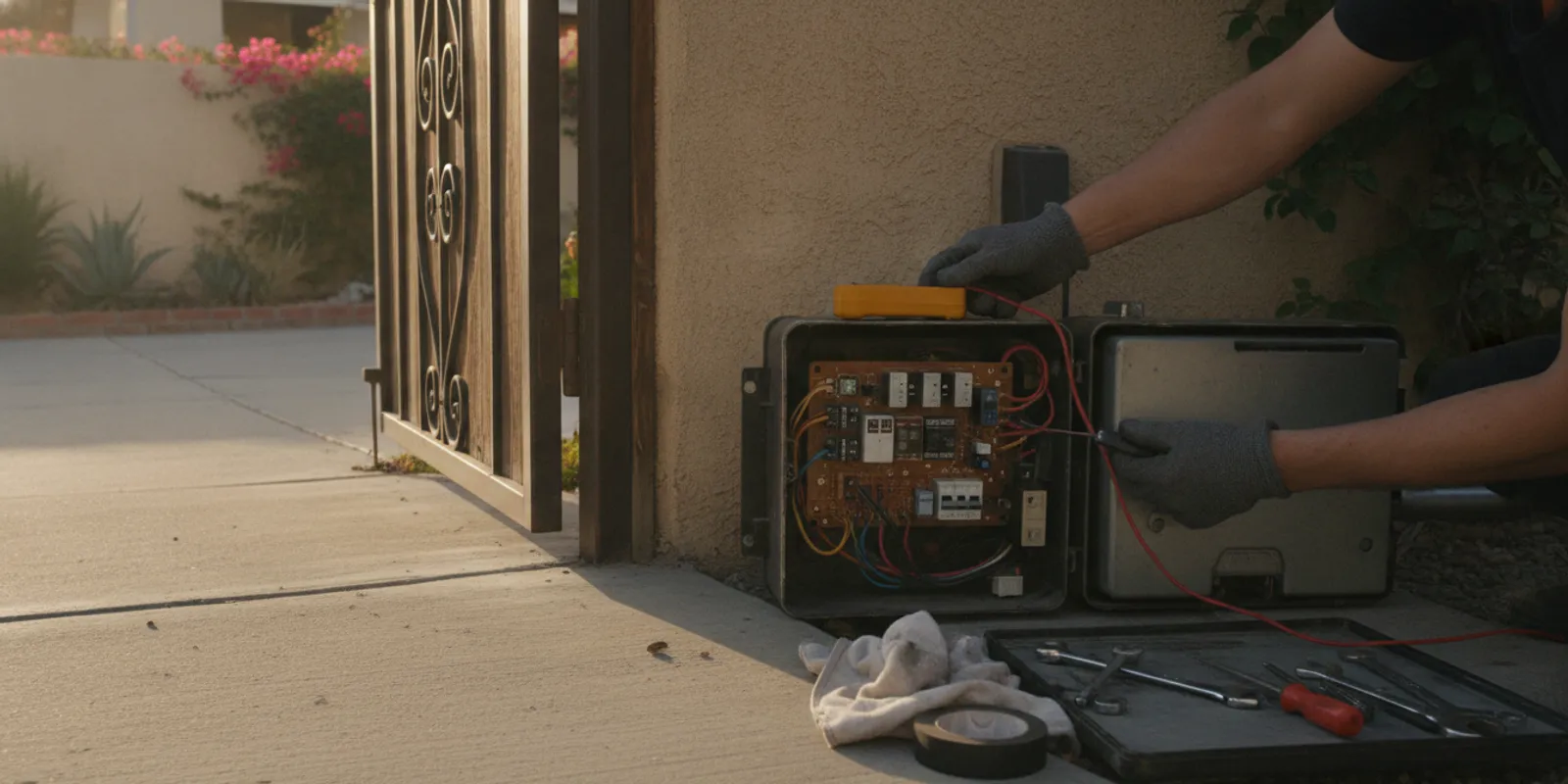
Are electric gates worth it? For many properties with an existing gate, powered operation can make routine entry and exit simpler. The right answer depends on how the entrance is used, the condition of the gate, and whether its operator and controls suit the property. Start by looking at the whole system and the routine you want to improve—not just the remote.
Discuss your existing gate system
What does “worth it” mean for an existing gate?
There is no single answer for every driveway, shared residence, or commercial entrance. A useful test is whether powered operation addresses a recurring inconvenience. Ask how often people use the entrance, whether someone currently leaves a vehicle to open it, how many authorized users need access, and whether the current arrangement works smoothly for residents, visitors, deliveries, or staff.
Electric operation combines an operator with controls and associated components. The operator moves a swing gate, sliding gate, barrier arm, or vertical-lift gate. Access devices send commands, while sensors and other components contribute information needed for operation. Each part has to suit the gate and its use. A new remote cannot resolve every fault, and adding an operator does not correct a mechanical issue by itself.
Convenience is personal and practical. If an entrance is rarely used and opening it by hand is easy for the people who need it, powered operation may add little. If repeated arrivals, weather exposure, or coordination among several user groups create friction, a suitable system may make those routines easier. The decision should follow the actual use case rather than a general assumption that every property needs automation.
Which everyday needs can electric operation address?
Think about the moments that cause delays or extra effort. A household may want to open its driveway entrance without leaving a vehicle. A property manager may need a consistent way to handle residents, visitors, and service providers. A business may need an entrance designed for repeated vehicle movements and compatible access devices. Those situations point to different equipment and operating patterns.
- Frequent arrivals: A compatible remote or other access device may simplify repeated use by regular visitors.
- Several user groups: A keypad, telephone entry, card reader, intercom, or fob arrangement may serve people differently than one shared remote.
- Vehicle detection: An underground loop sensor can detect a vehicle at a designated point when designed for that application.
- Visitor coordination: Telephone entry or an intercom can let a visitor contact someone at the property before access is granted.
- Changing access needs: Property managers may want an approach that is practical to explain and administer as residents or vendors change.
Consider a household that enters and exits several times each day. A compatible remote may reduce the repeated stop-and-open routine. Now compare a small residence where the gate is opened only occasionally and manual operation is acceptable. In the first case, powered operation may solve a frequent inconvenience; in the second, the added equipment and controls may not improve everyday life enough to justify a change.
A shared entrance raises different questions. Managers should think through who needs entry, how visitors request access, and how credentials are handled when a resident moves or a vendor's work ends. A single shared control may be simple to start with, but it may not fit every property's access process. The better choice is the one that matches real use and can be managed consistently.
What should you check before judging the system?
Look at the installation as connected parts. The operator moves the gate; its control board coordinates operation; an access device sends a command; and sensors or related components provide information the system uses. A symptom at one point can appear to come from another. A remote that fails may have a remote or receiver issue, while a gate that stops partway may call for a different inspection.
Before choosing a service path, gather observations from a safe distance. Do not open electrical enclosures or change settings just to collect information.
- Identify the movement: Is the existing gate a swing, sliding, barrier-arm, or vertical-lift type? Note whether its movement appears smooth and consistent.
- Record operator details: If a label is visible from a safe position, note the manufacturer and model. A photo of the label can be useful.
- List the controls: Write down whether users have remotes, a keypad, telephone entry, cards, fobs, an intercom, or another device.
- Describe the pattern: Note whether the issue happens each time or intermittently, which control was used, and what the gate did in response.
- Recall recent changes: Mention a power interruption, new control, prior service, or change in how the entrance is used.
- Explain the routine: Estimate how many people use the entrance and describe the arrival or delivery process the system needs to support.
These details frame the problem; they do not replace diagnosis. Avoid bypassing sensors, forcing a moving gate, or adjusting control-board settings if you do not know their function. If movement is erratic or equipment appears damaged, keep people clear and arrange qualified attention. For industry background, the Door & Access Systems Manufacturers Association (DASMA) provides resources about door and gate systems, including technical information relevant to automated equipment.
How do gate type and use affect the decision?
The gate's movement and use pattern influence which operator and related equipment are appropriate. A swing gate and a sliding gate move differently, and a barrier arm serves a different entrance pattern. Gate size and condition, the operator's intended application, available electrical connections, and frequency of use all matter. A product name or a remote's appearance is not enough to confirm a match.
For example, a driveway used by one household may need a straightforward compatible remote-control arrangement. A shared residential entrance may call for telephone entry, an intercom, or keypad access alongside the operator. A site with frequent vehicle movement may need an operator and controls selected for that use pattern. An assessment of the existing installation can clarify whether service, an adjustment, or a different setup is appropriate.
InteleGates works on automation and access equipment for existing gates. Its gate automation service can be relevant when an owner is considering powered operation, and its underground vehicle loop sensor service may fit when vehicle detection is part of the need. Those are system-specific options, not a reason to assume every property needs every component.
What does a remote tell you—and what does it not?
A remote is one way to send a command. It is not the motor itself, and compatibility depends on the receiving equipment and system setup. If the question concerns a Mighty Mule gate opener remote, first identify the operator and receiver fitted to the existing gate. Similar-looking controls do not prove that a device will work with the installed equipment. The system may need a compatible remote, a matched receiver, or attention elsewhere in the operator and controls.
When one remote stops working, compare its behavior with other authorized controls. If another control operates the gate, that clue may narrow the question toward the remote or its setup. If no control works, the issue may involve the operator, power, receiver, wiring, or another component. This comparison is useful context, not a diagnosis. Avoid repeatedly changing programming or wiring based on a guess; record what you observe and request an equipment check.
InteleGates provides LiftMaster repair service and works with access equipment such as gate keypads and broader gate access-control systems. The installed make and model help the service team understand which conversation applies; they do not, by themselves, identify the cause of a fault.
How can access devices fit different properties?
Choose a control method around the people who use the entrance and how they arrive. A remote may be convenient for a regular user in a vehicle. A keypad offers a code-based method. Telephone entry and intercoms let a visitor contact someone at the property before access is granted. Cards or fobs may fit a property that needs individual credentials. A vehicle loop serves a different purpose: it detects a vehicle at a configured location rather than identifying a person.
These devices are not interchangeable. Each has installation and compatibility considerations. A property with changing users should consider how access is provided and managed. A residence with a few regular users may have simple needs; a building manager may want an entry process that serves residents and visitors without relying on one shared remote.
Explore the specific needs for telephone entry, gate buzzer systems, and intercom system service. A useful planning exercise is to write down three ordinary situations: a regular user arriving, a visitor requesting entry, and a delivery arriving when no one is near the entrance. Consider how each situation should work, then check whether the current equipment can support it.
For example, if visitors need to speak to a resident before entry, a remote-only arrangement may not address that step. If all regular users arrive by vehicle and can operate a compatible remote, adding a separate visitor system may not help. If a property changes users often, managers should decide how they will distribute and update access credentials. These practical differences matter more than the number of devices installed.
How does diagnosis help avoid the wrong fix?
It is tempting to focus on the most visible component: the remote, keypad, or intercom. But a command device may be working while the operator or another component is not responding. Conversely, a gate that does not move could have a problem separate from the access device. Following the sequence—command, response, movement, and stopping point—helps distinguish an observed symptom from its possible cause.
For an intermittent problem, keep a short log. Include the time, control used, whether the gate began moving, whether it completed its travel, and any visible indicator or unusual sound. Do not stand near moving components to observe them. This record can make a service discussion more precise and help a technician understand the reported pattern.
Consider two examples. In the first, one user's remote fails but a keypad still operates the gate. That makes a remote or receiver-related question worth checking, without proving the cause. In the second, several controls send a command but the gate does not complete its movement. That pattern points to a broader system check rather than an assumption that every control needs replacement. Recording which controls were tried helps avoid treating both situations as the same fault.
InteleGates emphasizes diagnosis before recommending repair or replacement. A technician can inspect the operator and associated equipment, then explain what appears to be happening. If the system has several symptoms, describe each one instead of assuming they share a cause. See the information about electric gate repair and electric gate maintenance for relevant service paths.
What are the differences between common choices?
This comparison covers broad approaches, not equipment specifications. A technician should confirm what suits a particular gate, its current components, and the way people use the entrance.
| Approach | May suit | What to check |
|---|---|---|
| Manual operation | Low-use entrances where opening by hand is acceptable | How often people enter and whether manual operation works for intended users |
| Operator with remote control | Regular users who want to command the gate from a vehicle | Operator type, receiver compatibility, gate movement, and control behavior at the property |
| Operator with keypad or credential device | Properties with several users or different access routines | How credentials are issued, managed, and matched to the installed system |
| Operator with telephone entry or intercom | Entrances where visitors need to contact someone at the property | Who answers, how access is handled, and compatibility with existing equipment |
| Operator with vehicle detection | Applications where a vehicle needs to be detected at a defined point | Sensor location, system design, and intended vehicle movement |
When might powered operation not be the right next step?
If the existing gate does not move as intended, has visible damage, or has an unresolved mechanical issue, address that condition before treating a new remote or operator as the answer. The gate and operator need to function together. Adding automation to an unsuitable or poorly operating installation may leave the original issue unresolved.
Powered operation may also be unnecessary when the current arrangement already meets the property's needs. Some owners may not want to manage additional controls. Others may find that several access methods make daily use simpler. The best choice follows the real routine rather than a broad claim that every property should automate.
Think in stages: confirm that the existing gate is appropriate for its intended operation, identify the routine you want to improve, and determine whether the operator and access equipment can support it. A service or maintenance visit may be the right first step. If the installed system cannot meet the property's needs, a technician can explain what alternatives fit the existing gate.
How can you prepare for a service conversation?
Gather basic information before contacting a service provider. Note the property city, confirm that a gate is already installed, describe its movement type, and explain the issue or change you want to address. Include the operator brand and model if visible, the controls in use, and when a symptom began. For a remote issue, mention whether other controls work. For a planned access change, explain who needs entry and how they use the property.
Photos of the equipment label, control device, and general installation can help, provided you can take them from a safe location. Do not remove covers or reach into equipment to obtain them. If the concern is intermittent, share the brief log rather than relying on memory. If several people use the entrance, ask one or two regular users to describe what they experience; differences in their reports may help clarify whether the symptom is tied to one control or appears more broadly.
Also describe the result you want in plain terms. Examples include opening the entrance from a vehicle, allowing visitors to contact a resident, or detecting a vehicle at a particular point. You do not need to choose a motor or access device before the system is assessed. The purpose of the conversation is to explain the existing setup and use pattern so the service team can determine what questions to investigate.
InteleGates serves defined areas in Los Angeles County and Orange County; review its service-area information to check whether the property is covered. For an existing installation, the repair service page describes a relevant next step. Owners considering a change can also review gate automation information and explain the equipment already in place.
For a focused first check, gather these four items: the gate's movement type, the operator label if visible, a list of access devices, and a clear description of what should happen versus what actually happens. This avoids guesswork and gives a technician a useful starting point. Keep the gate area clear if operation seems unpredictable, and do not try to reproduce a fault by placing a person or object in its path.
Frequently asked questions
Can I use a new remote with any electric gate opener?
No. A remote has to work with the operator's receiving equipment and system setup. Identify the installed operator and receiver before choosing a replacement, and ask for compatibility to be confirmed if the details are unclear.
Does a remote that fails mean the operator needs replacement?
Not necessarily. The remote, receiver, power supply, wiring, controls, or operator may be involved. Comparing how other authorized controls behave provides useful context, but the system needs diagnosis before anyone recommends work.
Can an existing gate be automated later?
It may be possible, but suitability depends on the gate's movement and condition, the intended operator application, and the property's access needs. An assessment of the existing installation is the right first step.
What should a property manager record when a gate problem is intermittent?
Record the time, access device used, what the gate did, whether it completed its movement, and any visible indicator. Stay clear of moving parts and do not bypass sensors or alter settings to reproduce the problem.
Contact InteleGates about your existing system
Electric operation is most worthwhile when a suitable system makes regular access easier for the people who use the property. Identify the gate, its controls, and the routine you want to improve, then have the installed equipment assessed before choosing a change.