
InteleGates Guide
Gate inspection before buying a home
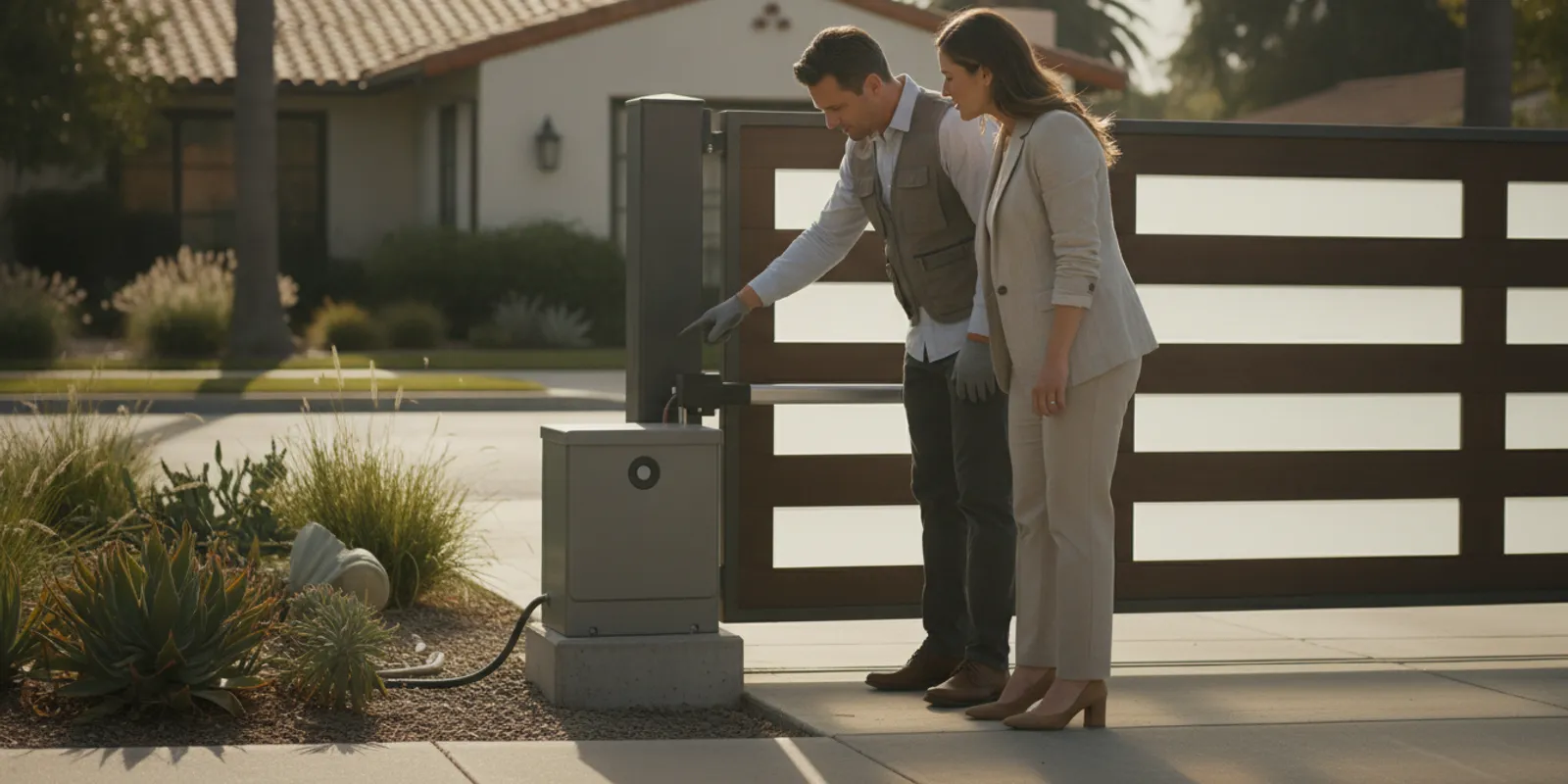
A gate inspection before buying a home helps you understand what works, what remains uncertain, and what questions to resolve before closing. An automatic gate is a system: the moving gate, operator, controls, safety devices, wiring, and entry equipment all affect its behavior. This guide covers review of an existing gate and its automation, not construction of a new gate or fence.
Ask about an existing gate system
What should you inspect during a showing?
Begin with observation, not adjustment. If the seller or property representative agrees, ask for a normal demonstration and watch from a safe place outside the gate’s travel path. Keep children, pets, and belongings clear. Do not reach through an opening, push a stuck gate, remove a cover, defeat a sensor, or handle wiring. A home inspector may note visible conditions, while diagnosing an operator or access system can require a gate service professional.
Observe one ordinary opening and closing cycle if it is safe to do so. Notice the sequence from the control press to the gate’s movement and stopping point. A single successful cycle is useful information, but it does not establish that every control works or that an intermittent concern is resolved.
- Movement: Watch for scraping, hesitation, shaking, stopping, or a new or persistent sound.
- Travel and position: Notice whether the gate appears tilted, drags, reverses, or reaches its usual open and closed positions.
- Operator response: See whether it starts consistently and stops at expected endpoints. Do not infer a failed motor from one symptom.
- Controls: Ask which remotes, keypad, telephone entry, intercom, card reader, or other methods are included. Request a normal demonstration of each available type.
- Visible condition: Note loose or damaged pieces, exposed wiring, impact marks, water intrusion, or apparent improvised repairs. Do not touch damaged electrical equipment.
- Records: Ask for the operator manual, service history, model information, and notes about recurring issues.
Describe what happened rather than assigning a cause. “The gate paused partway through closing when the keypad was used” is more useful than “the motor is failing.” The behavior could involve gate movement, an operator, a control, power, or a safety device. Accurate notes let a specialist consider the whole system instead of starting with a guess.
How do the gate and its equipment work together?
The gate, operator, and access equipment have distinct roles, but they interact. A gate that binds or is out of alignment may affect the operator’s work. A remote that fails while a keypad works presents a different observation from a gate that stops regardless of the control used. Sensors and other safety devices can also influence operation. A brief showing cannot usually identify which part explains a symptom.
| System area | What to observe | Useful follow-up |
|---|---|---|
| Gate, track, or hinges | Scraping, binding, sagging, uneven travel | Ask whether movement needs assessment before focusing on the operator. |
| Operator and controls | Delayed response, inconsistent operation, unusual sound | Record the model if visible and describe the sequence of events. |
| Safety devices | Visible devices and changes during normal operation | Ask a qualified person to check them; never bypass one. |
| Entry equipment | Keypad, intercom, telephone entry, card reader, or remote response | Confirm which devices are included and how credentials transfer. |
| Power and wiring | Visible damage, loose conduit, or signs of water exposure | Have electrical concerns assessed by an appropriate professional. |
For an overview of equipment used to automate an existing gate, see gate automation. If there is an entry panel, gate access control and telephone entry explain common system components. These pages describe equipment generally; they cannot confirm what is installed at the property you are viewing.
What questions should you ask the seller?
Ask direct questions and request a demonstration where practical. The goal is to learn whether an issue is new, intermittent, or part of a known service history—not to ask the seller to diagnose equipment.
- When was the gate and operator last serviced, and are there records?
- Has the gate stopped, reversed, or failed to respond? What was happening at the time?
- Have the operator, control board, sensors, or entry components been repaired or replaced?
- Does a particular remote, keypad, intercom, or entry method work inconsistently?
- Are manuals, service records, and model details available?
- Which devices and credentials transfer to the buyer, and how will former users’ access be removed or changed?
- For a shared property, who administers the equipment and approves changes?
Do not assume one working remote proves every access method works. With permission, test the controls that matter to your use, and list the ones that were not demonstrated. Ask that any test use normal operation, not a disabled sensor or opened enclosure. If an issue appears only occasionally, ask when it last happened and whether anyone recorded the event.
It can help to ask the seller to distinguish personal knowledge from an assumption. “A technician changed a control board last spring” is a reported event; “the system has been fixed” is a conclusion that still needs context. Ask whether the original symptom returned and whether the repair record identifies the work. That makes the next conversation more specific without turning the showing into a technical diagnosis.
How should you document what you find?
Keep notes factual and easy to share with an inspector, seller, property manager, or service professional. Include whether the gate slides or swings, the visible operator make and model, the control used, what happened, and the gate’s position. Note relevant circumstances, such as whether the observation was during opening or closing. A photo of a visible label or damage may help, but do not remove a cover or enter a restricted area.
A useful record separates observation from interpretation. For example:
- Observed: The keypad opened the gate, but one remote did not produce a response.
- When: During the seller’s demonstration on the inspection day.
- Not established: Whether the remote, its battery, receiver, or another component explains the difference.
- Follow-up: Confirm which remotes are included and ask for the control issue to be checked.
This format avoids turning a single symptom into a conclusion about the whole system. If all controls failed, record that. If the gate completed one cycle and paused on another, note both. The sequence, control used, and gate position can help a specialist decide what needs closer examination.
When a concern is intermittent, write down exactly what the seller said and mark it as reported rather than personally observed. For example, “Seller reports that the keypad sometimes needs a second press; not reproduced during the showing” preserves both facts. Avoid replacing that detail with a label such as “bad keypad.” This small distinction is useful if another professional reviews the notes later.
If the visible condition or operation raises questions, the electric gate repair overview and gate maintenance information describe service for existing equipment. For an identified LiftMaster operator, see LiftMaster repair information.
What can a specialist evaluation clarify?
A gate service professional can examine interactions that are hard to assess in a short demonstration. The review may consider gate movement, operator response, controls, safety devices, visible wiring, and access equipment together. The purpose is to identify what warrants attention and what remains unknown. A buyer’s observation alone cannot establish the cause of a symptom or confirm that a system is ready for dependable use.
Consider asking for an evaluation if the gate binds, moves unpredictably, fails to complete travel, makes a persistent or new sound, or has an unexplained control or sensor issue. An evaluation may also be useful when service records are absent, the equipment is unfamiliar, or the buyer needs clarity about which devices and credentials transfer. Share your notes and permitted photographs instead of relying on a broad description such as “the gate is broken.”
There is a difference between visible review and system diagnosis. You can note a damaged conduit from a safe distance; you should not open an electrical enclosure to investigate it. You can report that a control did not work during a demonstration; you should not bypass a device to see whether the gate will move. If the system appears unsafe or unstable, stop the demonstration and keep people clear while the issue is referred to the seller or property manager.
For an existing installation, InteleGates works on electric gate automation and access-control equipment, including operators and entry systems; it does not build gates or fences. Check the service area information to see whether the property is within its coverage. The automatic gate service page gives another overview of existing-system work.
What changes for a shared or managed property?
A condominium, rental, or commercial property may have a gate used by many people. Find out who owns or administers the equipment, who arranges service, and how residents, staff, vendors, and visitors receive access. A private driveway and a shared vehicle entrance may use similar hardware but have different rules for credentials and maintenance.
Ask the manager or association how entry credentials are issued, how a lost device is disabled, how a new owner is added, and who should be contacted during an outage. Confirm whether the entrance has a telephone entry panel, intercom, card reader, or keypad, and whether those functions were included in the demonstration. Ask whether written operating instructions exist and whether changes require approval.
Shared installations may include a buzzer or vehicle-detection equipment as well as an operator. The gate buzzer system overview and vehicle loop sensor information introduce common system types. Ask the responsible manager to demonstrate the actual equipment and explain local procedures; a general description cannot establish how a particular property is configured.
Consider a practical handoff example: a new owner receives two remotes, but the property also has a keypad and a visitor telephone panel. The remotes may be easy to identify, yet the buyer still needs to know who can change user access, whether former credentials remain active, and who maintains the shared entry panel. Write down each device and its administrator instead of treating “gate access” as one item.
How can you compare observations with service records?
Look for a match between what you saw and what the available history describes. If the seller reports a recent repair, ask which symptom prompted it and whether that behavior has returned. If a record lists a replaced control, ask whether the related control worked during an ordinary demonstration. An invoice or manual can provide context, but it does not establish the current condition by itself.
For example, suppose the notes say the gate sometimes stops near the end of travel. Ask whether that has happened while opening, closing, or both, and whether it occurred with more than one control. Ask if anyone has examined gate movement or safety devices. Do not repeatedly reproduce a possible fault if that might create a hazard. Record the test already observed and request a qualified evaluation if the question remains unresolved.
If records are incomplete, state that plainly instead of treating missing paperwork as proof of a defect. Ask for the operator label and any available manual, and write down what could not be verified. A buyer can then discuss the open question with the seller and decide whether it should be addressed before relying on the gate. The key distinction is between an unknown condition and a confirmed problem.
A short comparison can help organize the decision. If the gate moves smoothly and the available controls respond, but the seller has no service history, the open issue is chiefly missing information. If a control repeatedly fails during an allowed demonstration, that is an observed symptom needing follow-up. If the gate shifts, binds, or stops unpredictably, prioritize safe assessment of the moving equipment rather than concentrating only on credentials. These are different findings and should not be merged into one general label.
What should you prepare before requesting service?
Organize a concise summary so the first conversation is specific. Include the property location, whether the gate slides or swings, any visible manufacturer and model, which controls were tested, what happened, and when. Mention whether the system serves one residence or a shared property, and whether service notes or photographs are available. Do not send access codes in an initial inquiry.
Separate confirmed details from questions. “The keypad opened the gate once; one remote did not respond” is confirmed from the demonstration. “The receiver has failed” is a theory. If the symptom is intermittent, say so and label the seller’s account as reported rather than personally observed. Include what has already been done to avoid repeating an unsafe or unhelpful test.
It is also useful to state what you need to know before the purchase decision: whether the gate and its operator need attention, whether a particular access method works, or how credentials are managed at a shared property. A focused question helps the professional understand the requested review. It does not require you to identify the component or prescribe a repair.
For a property in the Los Angeles or Orange County service region, InteleGates provides service for existing gate automation and access-control equipment. The gate access-control page describes entry equipment, while electric gate service information offers broader context. Check service coverage before arranging help, especially if the property is near the edge of the region.
Frequently asked questions
Does a standard home inspection fully evaluate an automatic gate?
The scope depends on the inspector and the inspection agreement. A general inspection may note visible conditions, but specialized diagnosis of an operator, controls, safety equipment, or access system may require a gate service professional. Ask what the inspection included and what was not assessed.
Should I operate the gate myself?
Observe a normal demonstration with permission and remain clear of moving parts. Do not force the gate, reach into its path, disable a sensor, or remove electrical covers. If it behaves unsafely, stop the demonstration and keep people away.
What if it works during the showing?
One successful cycle does not establish that every control works consistently or that an intermittent issue is resolved. Note what was demonstrated, ask about prior concerns, and request a specialist evaluation if you observed irregular behavior or still have important questions.
What details help when requesting an evaluation?
Share the property location, gate type, visible operator make and model, controls tested, symptoms, and available service records. State what you personally observed separately from what another person reported.
Where can I find general gate safety guidance?
The U.S. Consumer Product Safety Commission is a government source for consumer safety information. Its general guidance does not replace assessment of a particular gate. Keep people clear of moving equipment and ask an appropriate professional about a system-specific concern.
For general information about buzzer equipment and visitors, see the gate buzzer system page; for a system that may need prompt attention, review emergency gate repair information.
Discuss your existing gate with InteleGates
A careful review before purchase cannot promise that a gate will never need service, but it can help you ask informed questions, document what you observed, and plan a sensible next step for the system already at the property.