
InteleGates Guide
Gate Operator Brands: Comparing Electric Gate Motor Options
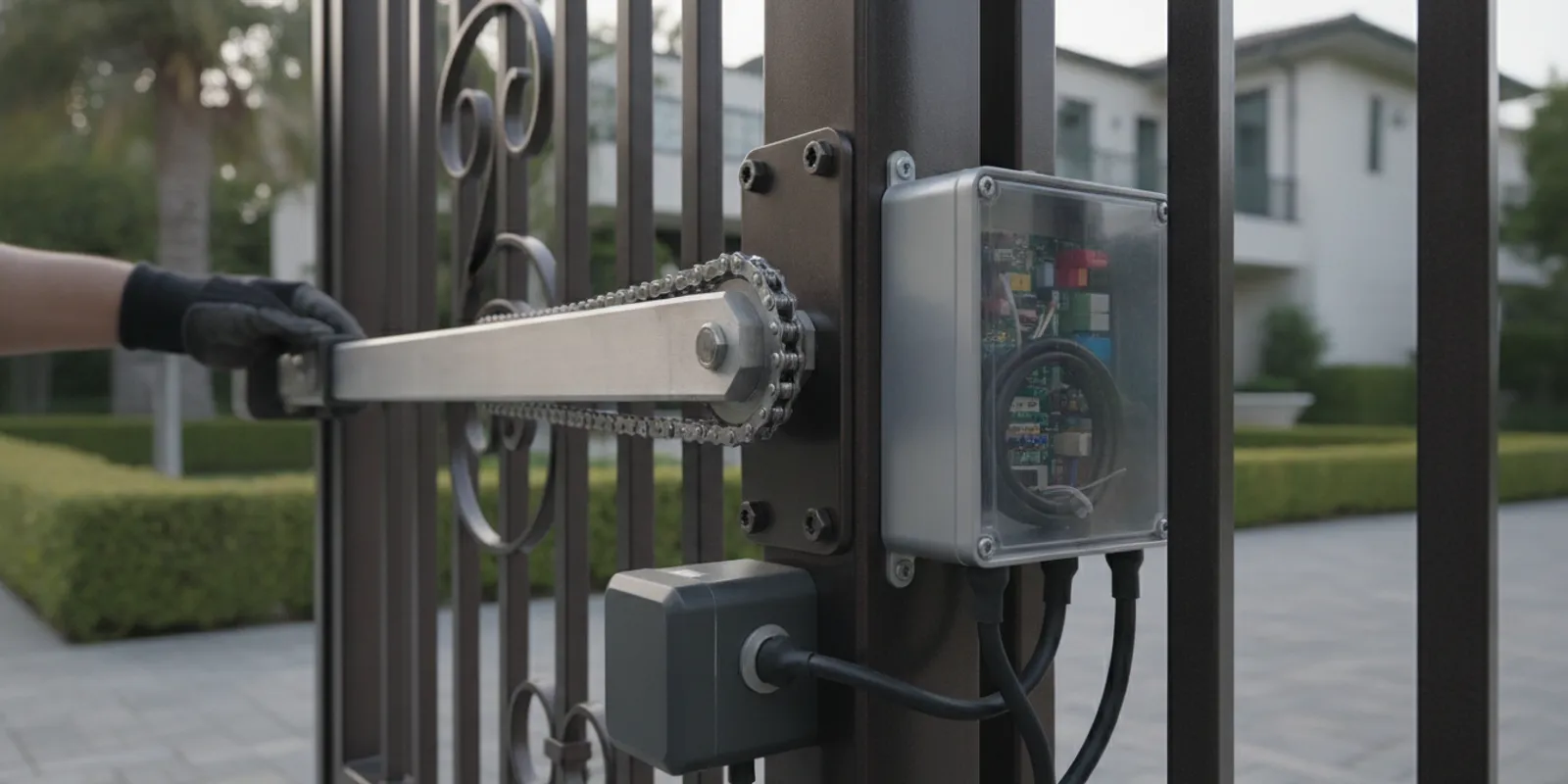
Comparing gate operator brands is useful, but the logo alone cannot tell you whether a motor is right for your property. A technician should match the operator and controls to the existing gate, its use, the site layout, and the system’s service needs. InteleGates works with several established brands and approaches selection as a fit question, not a contest with one universal winner.
Ask the team to assess your existing gate operator
Explore gate automation service for an existing gate
Why is a brand name only one part of the choice?
An operator is one part of a working system. The gate itself, operator, control board, access devices, sensors, wiring, power supply, and site conditions all affect whether the system works as intended. Two operators from the same manufacturer can have different capacities, controls, and installation requirements. A name on a cover does not tell you the model, its condition, how it was installed, or whether it suits the way the property uses the gate.
Start with what the gate needs to do. A residence with a few daily openings is a different application from a shared entrance with repeated vehicle traffic. A long, heavy, or exposed gate may also place different demands on the operator than a compact gate in a sheltered location. The matching process should account for the whole installation, not just replace a label with another label.
The same thinking applies when you are choosing among FAAC, LiftMaster, DoorKing, All-O-Matic, Viking, Ramset, Eagle, and Maximum Controls. InteleGates works with these operator brands, but the available model and its suitability must be checked against the actual gate and site. A local contractor directory also names DoorKing among brands used by automatic gate contractors; that is a useful example of a brand in the field, not proof that it is the right model for every property (Diamond Certified’s automatic gate contractor listing).
A useful comparison begins by recording the existing system, then checking candidate models against the same needs. Ask for the manufacturer and exact model number, not just a brand name. Note the gate type, approximate dimensions and weight if known, the opening pattern, access devices, and any site limitations. The goal is to see why a proposed operator fits the installation. If two proposals differ, compare what each includes: operator, controls, sensors, wiring or other installation work, setup, and service documentation. This makes the discussion specific without assuming that the newest or most familiar label is automatically the best fit.
How do the operator brands compare?
A responsible comparison begins at the model and application level. Brand names identify manufacturers; the operator’s documentation and the property’s requirements determine the appropriate match. Use the following table to organize an assessment rather than treating any one row as a recommendation. In each case, confirm current model specifications, control compatibility, and service options before selecting equipment.
| Brand | What to compare for the specific model | What the property owner should confirm |
|---|---|---|
| FAAC | Model suitability for the existing gate type and its measured operating demands. | Whether the proposed model, controls, and installation plan match the site and expected use. |
| LiftMaster | Operator capacity, control-board setup, and fit with the existing gate and accessories. | Which model is proposed and how it works with the property’s access devices. |
| DoorKing | Model requirements, available control options, and the complete installation configuration. | How the operator and entry controls will be configured, maintained, and diagnosed. |
| All-O-Matic | Gate-specific application, operating demands, and system compatibility. | Whether the selected model supports the real traffic pattern and site conditions. |
| Viking | Model documentation, installation requirements, and the controls needed at the property. | What service and replacement options apply to the exact model installed. |
| Ramset | Operator-to-gate fit, use expectations, and requirements for connected equipment. | Whether the model fits the gate and whether its controls fit the way users enter. |
| Eagle | Published model specifications, site layout, and the full control-system design. | That the operator and proposed access equipment are suitable as a system. |
| Maximum Controls | Application, operating cycle, installation conditions, and model-specific requirements. | Which unit is being considered and how it can be supported over time. |
This table intentionally does not rank brands. The same checklist should be applied to each candidate, using the manufacturer’s documentation for the exact model. A qualified assessment can narrow the options based on measurable needs instead of broad claims about a manufacturer.
When reviewing a proposal, ask the technician to connect the model recommendation to the facts gathered at the property. For example, ask which gate characteristics informed the operator choice, how the expected operating pattern compares with the model’s published limits, and whether existing access devices can remain in service. Ask what will be configured or replaced as part of the work and what information will be recorded for future servicing. These are practical questions for any of the brands in the table; they do not require the property owner to diagnose equipment or choose components independently.
Which gate and site conditions matter most?
Gate type and movement
First identify whether the existing gate slides, swings, lifts vertically, or uses a barrier arm. Each arrangement has different movement and mounting requirements. A swing operator must suit the gate’s geometry and the space available for its travel. A sliding operator must work with the installed gate and its travel path. A barrier arm serves a different access layout again. The operator type should follow the gate that is already in place, not the other way around.
Also note what happens across the full opening and closing path. Slope, clearance, obstructions, and the position of the operator can affect installation and operation. If the gate binds or moves inconsistently by hand, that condition deserves attention before a motor choice is finalized. An operator should not be expected to compensate for a mechanical problem elsewhere in the system.
Consider the space around the gate as well as its movement. A swing gate needs room for its travel arc, while a sliding gate needs a usable travel path and an appropriate location for the operator. A barrier arm is usually considered where vehicles pass through a defined lane and the layout suits that arrangement. These distinctions help narrow the type of operator before comparing manufacturers. If the existing gate has been altered, or its movement is uneven, include those details in the assessment rather than assuming a replacement motor will resolve them.
How often the gate operates
Duty cycle is the expected pattern and frequency of operation. Ask how many users rely on the entrance, what the busy periods look like, and whether openings happen in short bursts. A household entrance may have a different pattern from a multi-unit property or commercial driveway. The assessment should translate that real use into the model’s published operating limits and appropriate equipment design.
Do not estimate demand from a quiet visit alone. A manager may know that residents arrive together in the morning, deliveries cluster at certain times, or visitors use a separate entry device. Sharing these patterns helps the technician evaluate the required operating capacity and control setup. If needs change later, such as a new tenant arrangement or more frequent vehicle access, the system should be reassessed.
A simple log can make an uncertain pattern clearer. For a few representative days, note the busiest windows, whether vehicles queue, and if use changes on weekends or during deliveries. There is no need to count every operation indefinitely; the aim is to describe a normal day and the heaviest periods accurately. A gated entrance serving several households, for instance, may see brief bursts at commuting times even if the total daily use seems moderate. That distinction gives the technician better context than a rough estimate alone.
Controls and the way people enter
The operator must work with the access method people actually use. Depending on the property, that may include remote controls, a keypad, a telephone-entry system, an intercom, cards, fobs, or another compatible device. Decide who needs access, how credentials are managed, and whether visitors need to contact someone before entry. These practical details shape the control equipment and its configuration.
For example, a residence may value convenient remote operation, while a shared property may need a process for residents and visitors. The operator brand alone does not answer those questions. Confirm compatibility among the operator, control board, and each access device, then plan how users will learn the system. InteleGates provides gate access control service and telephone-entry system service for existing installations.
Make a list of what is connected today and what each device is expected to do. For example, one entrance might have a remote for residents and a telephone-entry panel for visitors. Another might use cards or fobs for regular users and a keypad for a secondary access process. Ask whether the equipment can be retained, whether any part needs configuration or replacement, and how a change to the operator affects its connection to the control board. This avoids comparing a motor in isolation when the property depends on a coordinated set of devices.
Site layout, exposure, and power
Conditions at the installation point can change which equipment is practical. Available mounting space, the gate’s travel area, cable routes, and the location of existing power and controls all matter. Outdoor equipment is exposed to the local environment, so the assessment should consider the actual placement and the manufacturer’s installation guidance rather than assume every location is alike.
Share any known site constraints before a replacement is selected. These might include limited room near the gate, long cable runs, changes to landscaping, or recurring interruptions to power. If an underground vehicle loop or other sensor is part of the system, its placement and relationship to the controls should be reviewed as well. A site-specific plan can help avoid choosing an operator first and discovering installation conflicts later.
Also clarify what is already in place and what might need attention during the project. Existing conduit, wiring routes, mounting surfaces, and the position of access equipment can affect the work plan. If the property has experienced intermittent power or recent changes to the entrance, report when and how those events occurred. These details do not automatically rule out a brand or model; they help a technician check the complete installation plan and identify what should be inspected before equipment is selected.
Serviceability and parts support
Consider how the system will be maintained after installation. The exact model number, control-board information, installation records, and a clear account of prior problems can make future diagnosis more direct. Ask which components are included in the proposed work, what documentation will be left on site, and how the operator and controls can be serviced.
Serviceability is not a simple score assigned to a whole brand. It depends on the exact model, its age and condition, the installation, the availability of appropriate components, and the technician’s ability to diagnose the system. When a gate stops behaving reliably, a measured diagnosis can identify whether the issue involves the operator, a control, a sensor, wiring, power, or gate movement. InteleGates focuses on electric gate operator diagnosis and repair, and its electric gate repair service can help assess an existing system.
Good records are useful regardless of which brand is installed. Keep the operator model and serial information, a basic list of access devices, and any service notes in a place the property manager or next technician can find. Record what changed after a repair and whether the original symptom returned. If the property changes management, passing these details along can prevent a new manager from starting with an incomplete account. This is not a substitute for inspection; it is context that can make later troubleshooting more efficient.
Should you repair the current operator or compare replacements?
Do not assume that a familiar brand means the operator needs replacement, or that a different brand will solve a recurring problem. Start by identifying the symptom and its pattern: does the gate fail to respond, stop at a particular point, operate intermittently, or behave differently for different users? A technician can inspect the system and determine whether the cause is the operator itself or another part of the installation.
Diagnosis is especially useful when the operator has been working for years and a new symptom has appeared. Replacing the whole unit before identifying the cause may leave an issue in a sensor, control device, wiring, power connection, or gate movement unresolved. Conversely, if the existing equipment is not suitable for the current usage or cannot meet the property’s needs, a replacement assessment can compare appropriate models and controls.
Consider two common situations. If a gate stops in the same spot each time, the location-specific pattern is useful evidence for an inspection; it does not by itself establish that the motor has failed. If a remote works inconsistently while a keypad responds normally, the difference between access methods helps narrow the area to check. In either case, matching symptoms to the relevant equipment is more informative than choosing another brand in advance. A professional can then explain whether service, adjustment, or a broader replacement evaluation is appropriate.
For an operator that needs troubleshooting, see the gate operator repair service or the LiftMaster repair information. A brand-specific service page can help identify the type of support available, but an on-site assessment is still needed to confirm the model and issue.
What information helps a technician make a useful comparison?
Before arranging an assessment, gather details that help describe the existing installation. You do not need to select a replacement model yourself. Useful information includes:
- The property’s city and the type of entrance: swing, sliding, vertical lift, or barrier arm.
- The operator brand and model number, if visible and safely accessible without opening equipment.
- How often the entrance operates, including periods of heavier use.
- Which controls people use, such as remotes, a keypad, cards, or telephone entry.
- What the system does when the problem occurs and whether it happens consistently.
- Any recent changes to the gate, access devices, wiring, or site layout.
- Photos of the operator and controls, if they can be taken from a safe position.
Do not open electrical enclosures or attempt adjustments to obtain this information. A clear description and an exterior photo are often enough to begin a conversation. The technician can inspect the equipment and verify details on site.
It can also help to write down what has already been tried or changed, such as replacing a remote battery or adding an access device, and when the behavior began. If an operator label is difficult to read, do not remove covers or reach into the equipment; a technician can identify the model during an assessment. Sharing who is affected and whether the issue occurs at particular times may be more useful than a guess about which component is at fault.
InteleGates serves properties across Los Angeles and Orange County; check the service area page for coverage information. If the gate is not operating correctly, the electric gate maintenance service is also relevant when planning ongoing equipment care.
Contact InteleGates to discuss your existing operator
Frequently Asked Questions
Is one gate operator brand best for every property?
No. The appropriate choice depends on the gate type, operating pattern, controls, site conditions, and the specific model. A technician should compare those requirements with the manufacturer’s documentation instead of selecting by brand reputation alone.
Can I keep my current access controls when changing the operator?
Possibly, but compatibility must be confirmed for the operator, control board, and each access device. Identify the remotes, keypad, intercom, cards, or other controls currently in use and have the full arrangement assessed before replacement work is planned.
Should an older operator always be replaced?
Not necessarily. A problem may come from a sensor, control, wiring, power, gate movement, or the operator itself. Diagnosis can establish the cause and whether repair or replacement is the practical next step for the property.
What should I compare when reviewing quotes for different brands?
Compare the exact model, its fit for the gate and expected use, included controls, installation scope, and plan for future service. Ask why the model is recommended and how the existing access devices will work with it. Comparing complete proposed systems is more useful than comparing brand names alone.
Does InteleGates sell a motor by itself?
Operator equipment is provided as part of a full-service installation or service engagement. The team can assess an existing gate and discuss the work and equipment that fit its needs.
Request an assessment of your gate operator and controls
The right comparison starts with the gate and how people use it, then narrows to a model and control setup that can be properly installed, diagnosed, and maintained.