
InteleGates Guide
Lift Master Keypad: Check Compatibility With an Existing Gate System
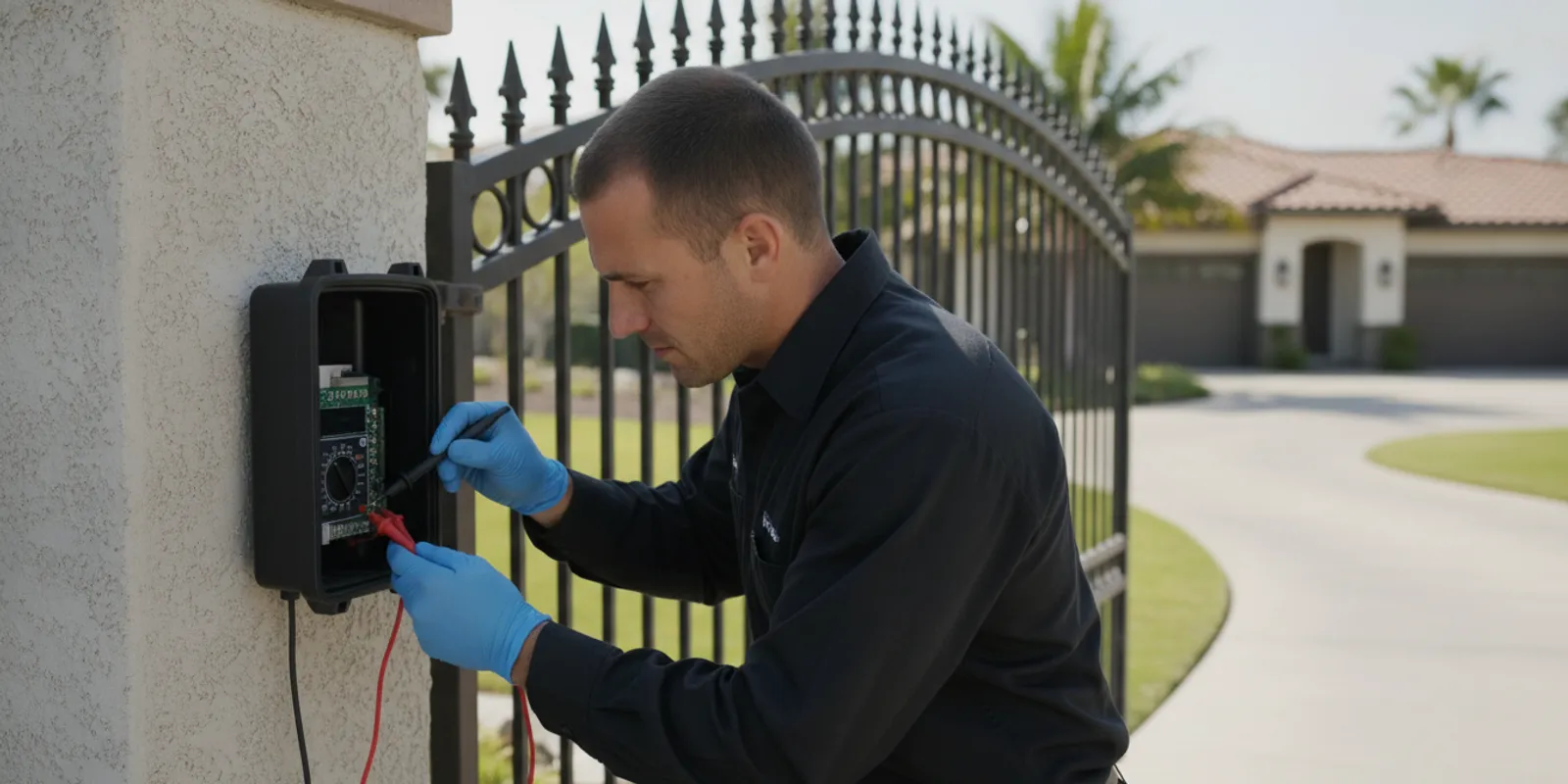
A lift master keypad can make entry more convenient when it works with the operator and access controls already installed at a property. Before choosing a replacement or assuming the keypad has failed, identify the equipment, note exactly what happens, and check whether the problem is limited to the keypad or affects the gate system as a whole.
Request help with an existing gate keypad
What does a gate keypad do?
A keypad lets an authorized user enter a code to request gate operation. It is one component in a larger arrangement. The operator moves the gate, while the power supply, control equipment, wiring, safety devices, and other entry devices can all affect whether a command results in movement.
That distinction helps make sense of symptoms. A keypad may accept a code but fail to trigger the operator. Or it may appear unresponsive because it has lost power, a connection is damaged, or another part of the control path is interrupting operation. If remotes and other entry devices also fail, the cause may be beyond the keypad.
A keypad also does not tell you by itself whether the gate is ready to move. Gate travel, obstruction detection, and related safety functions still matter. Keep people and vehicles clear while observing a malfunction, and do not bypass safety equipment to test a theory.
How can you tell whether the keypad is the problem?
Begin with observations rather than opening an enclosure or changing wiring. Record what happens when a user enters a code. Does the keypad light up, beep, or show another response? Does the gate move, start and stop, or remain still? Does a remote or another entry device still operate it?
- No visible response: The keypad may have a power, battery, connection, or device issue. The possibilities depend on the model and installation.
- The keypad responds but the gate stays still: The command may not be reaching the operator, or the operator or another connected component may need attention.
- One code fails while other codes work: The issue may relate to that code or its programming rather than the whole keypad.
- Several controls fail: A shared power source, control board, wiring path, or operator issue becomes more plausible.
- Operation changes from one attempt to another: Note when the behavior occurs and whether it follows weather, recent work, or a particular entry device.
These clues are not a diagnosis. If the gate moves unexpectedly, binds, or behaves unpredictably, keep people clear and arrange qualified service. The U.S. Consumer Product Safety Commission provides general consumer information at CPSC.gov; follow the equipment maker's instructions for the specific installed system.
What should you check before selecting a replacement?
A keypad must suit the existing system. A product name or similar appearance does not establish compatibility. Gather the operator brand and model, keypad model, and any available information about how the keypad connects. A photo of an equipment label can help, but do not remove covers or reach into an operator to find one.
Consider how the entrance is used, too. A single household, a shared residential entrance, and a commercial property may have different needs for issuing and changing codes. Think about who needs access, who will manage user changes, whether other entry methods are already present, and what the expected process is when someone no longer needs a code.
| Situation | Details to record | Useful next step |
|---|---|---|
| Replacing a keypad | Keypad and operator model numbers; connection details if known | Confirm the match with the exact equipment information |
| No keypad response | Lights or sounds, recent changes, and whether other controls work | Use only safe checks described in the maker's instructions |
| Multiple entry devices fail | Which devices fail and whether the operator responds | Assess the wider control path, not just the keypad |
| Changing who can enter | Number of users and who will maintain the code list | Review the installed system and its user-management approach |
| Unpredictable gate movement | When it happens, what the gate does, and any warning signs | Keep clear and arrange a system inspection |
How does a LiftMaster keypad fit an existing gate system?
LiftMaster is a brand name a property owner may see on an operator or access device. That does not mean every keypad of the same brand works with every gate operator. Model, product generation, connection method, and system configuration may all matter. Verify the installed equipment rather than relying on a broad product description.
Keep the operator and keypad details together, especially if a device has been replaced before. A technician can use that information to assess how a command reaches the operator and whether the symptom is isolated. InteleGates services existing gate automation and access-control equipment. See the gate access-control service information for an overview, or read about gate keypad systems.
When the operator label is unclear, note the physical arrangement from a safe distance and describe any visible brand or model markings. Do not rely on the keypad's brand alone. A system may include components from different product generations, and prior modifications can affect how a new device should connect.
What should you avoid during keypad troubleshooting?
Do not guess at wires, terminals, or programming sequences. Instructions vary by model, and an incorrect change can disrupt other connected equipment. Follow the exact maker's instructions for basic user-level checks. Stop if the steps involve exposed wiring, opening an operator enclosure, or working near moving parts.
Do not assume that replacing a keypad will resolve a fault involving the operator, power, wiring, or safety devices. A useful inspection follows the command from the keypad through the control equipment to the operator response. If the gate has a movement or sensor problem, the electric gate repair service page describes service for existing systems.
It is also sensible to avoid repeated code attempts if you do not know how the installed device handles them. Stop and consult the correct instructions or a technician rather than making multiple unrecorded changes. Write down what you tried so the next person can distinguish the original symptom from any changes made during troubleshooting.
When is professional diagnosis useful?
Consider a system check when the keypad and other controls behave inconsistently, when you cannot confirm a replacement match, or when the symptom may involve wiring or operator controls. Diagnosis can distinguish a keypad fault from a problem elsewhere before equipment is changed.
Before contacting a technician, gather the property city, a short description of the symptom, keypad and operator model numbers if available, and which controls still work. Include when the issue began and whether anything changed shortly beforehand. Photos of labels and the keypad location can help if you can take them safely.
For an existing operator or access-device problem, the access-control repair information and gate automation service page explain related service areas. InteleGates focuses on installed motors and access-control equipment. If you are unsure whether the property is covered, check the service-area information before arranging a conversation.
How can keypad needs differ by property?
A homeowner may need a straightforward way for household members to enter. A property manager may need a consistent process for issuing and changing access for residents, vendors, or staff. A commercial property may need to coordinate the keypad with other entry methods and the way the site is managed. In each case, the right approach depends on the installed system and the people who use it.
For a shared entrance, agree on who is responsible for maintaining the code list and how changes are communicated. If a code is shared widely, record who has it and decide how to update it when access needs change. For a home, consider whether household members need separate codes or whether the existing setup has a simpler arrangement. These are management questions, not proof that a particular model will work.
A keypad also serves a different purpose from an intercom. A keypad accepts code entry; an intercom can support communication with a visitor. These functions are not interchangeable in every situation. Read about telephone entry systems or gate buzzer systems if you are comparing the role of other installed entry devices.
What information helps a service conversation?
Clear details make it easier to understand the issue without asking you to select equipment before the system is assessed. Be ready to describe whether there is an existing automated gate, the property city, what the keypad does, when the problem began, and whether remotes, intercoms, or other controls work.
A simple example: if the keypad lights but the gate does not respond, and a remote still works, report both facts. That suggests a different pattern from a dark keypad and a remote that also fails. Neither observation confirms a cause, but each helps focus the inspection. If the gate starts moving and then stops, say so rather than describing it only as a keypad failure.
For additional context, see the LiftMaster service information and the gate automation overview. These pages can help you describe the installed equipment and the kind of service you are seeking. A technician can then assess the equipment in place rather than relying on a guessed replacement.
How can you organize a first check without changing settings?
A short, repeatable observation can make a service conversation much clearer. Choose a time when the entrance can be observed safely, keep people and vehicles away from the gate's path, and use only the normal entry control. Do not stand between moving parts or test the gate while someone is walking through it. Note the result, then stop rather than repeatedly cycling a gate that is behaving unusually.
- Identify the control used. Record whether the attempt came from the keypad, a remote, an intercom, or another installed device.
- Describe the keypad response. Note visible lights, audible tones, or a display response without assuming what they mean.
- Describe the gate response. Write whether it stayed still, began moving, stopped, or completed its normal movement.
- Compare one other control only if safe. If normal use permits, note whether another installed control produces the same result. Do not use a second control if the gate's motion is unsafe or unpredictable.
- Keep the information together. Include date, approximate time, recent changes, and equipment labels visible without opening covers.
This simple record prevents a vague report such as “the keypad is broken” from hiding useful distinctions. For example, a keypad with no lights and a gate that still responds to a remote gives a different starting point from a keypad that accepts entry while the operator remains still. If the fault comes and goes, note both a successful and unsuccessful attempt, including which control was used. Do not try to reproduce a dangerous movement just to obtain a clearer record.
What can a technician learn from the symptom pattern?
The point of observing several parts of the system is to narrow the area that needs attention, not to make a homeowner diagnose electrical equipment. A single failed code may suggest a different line of inquiry than a keypad that is completely unresponsive. If all entry devices fail at once, a shared part of the system may deserve attention. If the gate begins moving and then stops, the issue may involve the operator or another condition that affects movement rather than code entry alone.
Recent events can add context. Mention a power interruption, a device replacement, construction near the entrance, or a change in how the property is used if one occurred. Do not assume that a recent event caused the fault; it is simply useful background. Likewise, weather-related patterns can be worth reporting, but avoid making adjustments or applying materials to the keypad unless the maker's instructions specifically direct you to do so.
For properties with several users, ask whether the symptom affects everyone or only one person. If one user reports a problem, have them describe the exact response and confirm whether another authorized user can operate the system normally. Avoid sharing codes in an open message. The technician generally needs the model and symptom pattern, not a list of active access codes.
How should a property manager prepare for keypad service?
A manager can reduce confusion by identifying a site contact who knows the entrance and can meet the technician. Gather the operator and keypad model information, a brief timeline, and a list of affected controls. If access needs to remain available during service, explain the site's normal traffic pattern and any time-sensitive use before work is arranged. Do not promise that a particular entry method will remain available until the system has been assessed.
For a residential property, note whether the keypad serves one household or multiple units and who is authorized to request changes. For a workplace, identify the person responsible for coordinating staff or vendor access. These details help frame the service discussion, but the property manager should not ask occupants to open equipment or test wiring. Keep any access records according to the property's own process, and provide only the information needed for the service visit.
Once the system has been inspected, ask what component was found to be at fault, whether the keypad itself was involved, and whether any follow-up observation is recommended. If a device is changed or settings are adjusted, ask which user-facing steps are appropriate and where to find the instructions for that exact model. A clear explanation helps the next manager or household member understand what was changed without guessing.
Frequently asked questions
Will any LiftMaster keypad work with any gate operator?
No. Compatibility depends on the exact models and how the existing system is configured. Confirm the model information before selecting equipment.
Why does the keypad light up but the gate stay still?
A lit keypad only shows that the device has some response. The command may not reach the operator, or another component may prevent operation. Note whether other controls work and arrange diagnosis if the cause is unclear.
Should I replace the keypad if one code stops working?
Not necessarily. The issue may concern that code or its programming rather than a failed device. Record whether other codes work and consult the instructions for the exact model before changing settings.
Can a keypad be added to an existing gate?
An access device may be considered for an existing automated gate, but the operator, controls, wiring, and intended use must be assessed for compatibility. Identify the installed equipment before selecting a device.
What should I do if the gate behaves unpredictably?
Keep people and vehicles clear, do not bypass safety devices, and arrange qualified service. Describe the movement you observed and which controls were used.
Contact the team about an existing keypad or operator
A keypad is one part of an entrance system. Identifying the equipment and observing how the rest of the system responds can help direct the next step toward the actual source of the problem.