
InteleGates Guide
LiftMaster Gate Operator Manual: Emergency Release Guide
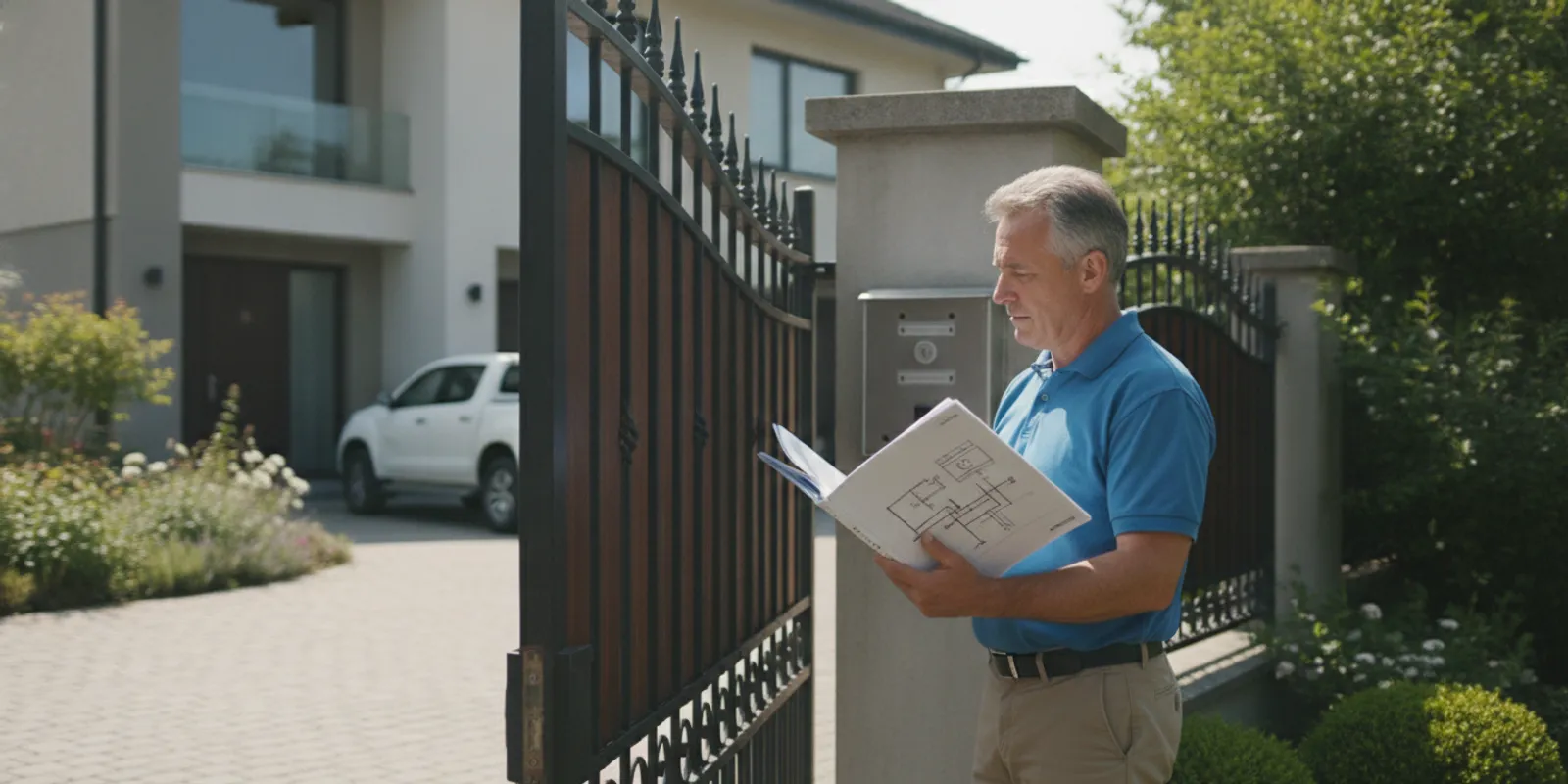
If you are looking for a liftmaster gate operator manual because an existing gate will not move, start by identifying the operator model and the exact symptom. Emergency release designs differ by model and installation, so a procedure that applies to one unit may be unsafe for another.
Request help with your gate operator
What information does the correct manual provide?
A manual is specific to an operator model or product family. It can help you identify the controls, understand the manufacturer’s warnings, and learn which actions are intended for an owner or trained installer. It is not a substitute for evaluating the gate, its balance, or the condition of the hardware.
Before relying on a document, check that its model number matches the equipment on your property. Similar-looking operators may use different release mechanisms, control boards, limit settings, or safety features. The name LiftMaster alone is not enough to confirm that a set of instructions applies.
Look for a model label on the operator housing, often near a control panel or beneath a cover. Do not remove a cover or reach into the equipment to find it. If the label is blocked, damaged, or in a location that is not safely accessible, take note of the visible information and ask a technician to identify the unit.
Write down the model number exactly as shown, including letters and suffixes. Also note whether the gate slides, swings, or uses a barrier arm, and whether the operator is attached to a residential or shared property entrance. These details help narrow down the right documentation and service approach.
How can you identify the operator and its manual?
Begin with the equipment label and any installation or service records kept for the property. A former installer may have left a manual in an electrical room, gate cabinet, or property maintenance file. Do not assume an old document is correct just because it is stored next to the equipment; compare its listed model with the label.
- Record the complete model designation without guessing at unclear characters.
- Note the gate style and which direction it travels when opening.
- Describe what happens when someone uses a remote, keypad, or other control.
- Look for a visible warning label or release instruction without opening the operator.
- Check whether the issue began after a power interruption, impact, repair, or change to the entry system.
If the operator has no readable label, do not select a manual based only on its shape. Ask the installer, property manager, or a gate service professional to confirm the model. InteleGates provides LiftMaster operator service for existing systems; a model and a clear symptom description are useful starting information.
Keep the manual available to the people responsible for the property, but do not let a document encourage an untrained person to work on springs, chains, electrical connections, or moving parts. Follow the instructions and warnings for the exact model, and stop if the physical installation does not match the diagrams or conditions described.
How should you use the manual as a reference?
Start with the cover, model list, and warning pages. Confirm whether the document describes an operator, a receiver, a remote, or an accessory. A remote-control guide may explain how to program a transmitter but say nothing about releasing the gate. An operator manual may cover installation and service steps that are not appropriate for a property owner. Read the document’s intended audience before acting on any instruction.
Use the parts diagram to identify terms and components, not as an invitation to remove a cover or touch the mechanism. A drawing can help you tell a control button from a release component, but the actual installation may have been modified or may include a different accessory. If the picture does not match what you see, pause and ask a qualified service professional to verify the equipment.
Keep model-specific notes with the property records, including the manual’s title and revision if shown. For a managed property, share them with the person responsible for gate access and make sure any written instructions are understandable to the people who may need them. Do not circulate a shortcut or release procedure based on a different operator model.
What does an emergency release do?
An emergency release is a way to disengage the operator from the gate under certain conditions, so the gate can be moved without normal powered operation. The design and procedure vary. Some installations use a key or a mechanism on the operator; others have a release arrangement specific to the gate and its operator. The manual for the exact model is the place to confirm the intended method.
Disengaging an operator does not repair the gate, make it safe to move, or guarantee that it will remain in place. A sliding gate can roll. A swing gate can move with wind or gravity. A barrier arm can descend. Gate weight, slope, damaged wheels, hinges, supports, or other mechanical conditions may create hazards even when the motor is no longer driving the system.
Do not pull, push, or force a gate to test whether it is released. Do not stand in its path or put hands near hinges, rollers, chains, or the operator. Keep people, pets, and vehicles away from the movement area. If the gate is leaning, binding, partly open, or under tension, do not attempt a manual release; request qualified assistance.
Also distinguish an operator release from a remote-control or access-control problem. A dead remote battery, keypad issue, telephone entry fault, or power interruption may prevent a command from reaching a working operator. These problems do not necessarily mean the gate should be disengaged. InteleGates also handles gate access control systems and telephone entry equipment on existing properties.
What should you check before taking action?
First, consider whether anyone is at immediate risk or whether a vehicle or person is trapped. Keep clear of the gate’s path. If there is a safety emergency, contact the appropriate local emergency service rather than trying an unfamiliar release procedure.
When the situation is stable, make observations from a safe distance. Do not touch exposed wiring or open the operator cabinet. Avoid repeated commands if the gate is straining, making unusual noises, or moving only partway. Repeated operation can worsen a mechanical issue or expose a problem that is not visible from the controls.
- Note the gate position. Record whether it is closed, open, or stopped between positions, and whether the path is clear.
- Describe the response. Does the operator make a sound, show an indicator, begin to move, or do nothing? Report only what you can observe without approaching moving equipment.
- Check the control used. Note whether the problem occurs with one remote, every remote, a keypad, or another entry device. Do not change programming or wiring to compare them.
- Consider recent events. Mention an outage, storm, vehicle contact, construction work, or recent service if relevant.
- Find the model information safely. Use a visible label or existing records; do not climb, remove guards, or open covers to reach it.
These observations help distinguish a control issue from a gate movement or operator problem. They also give a service professional a better starting point than “the opener is broken.” If the gate is stuck open or closed, describe the property impact and whether access can be managed safely through another route.
How do common problems differ from an emergency release issue?
A gate that does not respond to one remote may have a control or credential issue. If several controls fail at once, the fault may involve power, the operator, or a shared control component. A gate that starts and stops, strains, or makes an unfamiliar sound may have a movement or mechanical problem. These are clues, not a diagnosis.
Do not treat every failure as a reason to disengage the operator. A gate that is hard to move by hand may have a binding or damaged component. A gate that moves unexpectedly after release can create a separate hazard. A professional inspection can determine whether the operator, gate hardware, power supply, or access device needs attention.
| What you observe | Possible area to investigate | Safer next step |
|---|---|---|
| One remote fails, while another control works | Remote, battery, or credential issue | Note which control works; avoid changing operator settings. |
| No controls operate the gate | Power, operator, or shared control issue | Keep clear and report the model and visible response. |
| Gate strains, stops, or makes a new noise | Movement, alignment, or mechanical issue | Stop repeated commands and request an inspection. |
| Gate is partly open or appears unstable | Movement hazard or mechanical condition | Keep people and vehicles away; do not attempt a release. |
| Manual-release method is unclear | Model or installation-specific procedure | Confirm the exact manual or ask a qualified technician. |
This comparison is for describing symptoms, not for deciding which component to replace. Several different faults can produce similar behavior. For a broader overview of automated gate systems and service for an existing gate, see InteleGates gate automation.
What should property managers and owners prepare?
For a home, have the model information and a short description ready. For a shared or commercial property, identify who manages access, who can authorize service, and how residents, employees, or deliveries will be informed if the gate remains unavailable. Do not ask occupants to use a release they have not been shown to use safely.
It can help to prepare a short service note with the gate location, gate type, operator model if visible, symptom, time the issue began, controls already tried, and any recent event. Add a photo only if it can be taken from a safe location without approaching a moving gate or opening equipment. Avoid including personal access codes or other credentials in an ordinary message.
For multi-user properties, consider whether a separate entrance or staffed access plan is available while the gate is out of service. Tell users not to push against a powered gate or stand in its travel path. If access-control devices are part of the problem, record which devices are affected; the distinction can help separate an entry-system concern from operator movement. See gate access control repair for service focused on those systems.
Property teams can also review their routine arrangements for operator and gate checks. That is different from troubleshooting an active failure or performing repairs. For existing systems, electric gate maintenance may help address service needs before they become an urgent access problem. If the gate is already malfunctioning, describe the current condition rather than attempting adjustments.
When should you stop and request professional help?
Stop if the manual does not match the operator, the release is difficult to identify, or the gate does not behave as the instructions describe. Stop if the gate is off its track, sagging, unusually heavy, making grinding or snapping sounds, moving unexpectedly, or blocking a public or shared route. These conditions call for assessment, not trial and error.
Do not work on energized equipment, bypass safety devices, alter force or travel settings, or reach into a moving assembly. Do not assume that switching off power makes the entire gate safe. Some parts can remain under mechanical load, and a released gate may move independently of the operator. Manufacturer warnings and model-specific instructions matter.
InteleGates provides service for existing electric gate systems in Los Angeles County south of the SR-134 corridor and west of I-605 to the coast, and in Orange County north of San Juan Capistrano, with the stated service-area exclusions. You can review the service areas or request help for electric gate repair. The company services operators and access-control equipment; it does not manufacture or install gates or fences.
For emergency service information, review emergency gate repair. When contacting a service provider, explain whether the gate is secure, stuck, or creating an access issue, and share the operator model if you can read it safely. A clear description supports a more useful first conversation.
Where can you find broader gate safety information?
For general information about door and gate systems, consult the Door & Access Systems Manufacturers Association. For operating, release, or maintenance steps on a LiftMaster unit, use the manufacturer’s instructions for the exact model rather than applying a general checklist to every installation.
Keep in mind that a manual can explain how a release is designed to work, but it cannot confirm that a specific gate is balanced, stable, or safe to move today. If the condition is uncertain, leave the equipment alone and ask for an inspection.
Contact InteleGates about an existing gate
Frequently asked questions
Can I use a manual for a similar LiftMaster operator?
Do not assume that instructions for a similar-looking model apply. Confirm the complete model number and use the matching documentation. If the label is unreadable or the installation differs from the manual, ask a technician to identify the unit.
Does an emergency release fix a gate that will not open?
No. A release may disengage the operator in a model-specific way, but it does not repair a fault or establish that the gate can be moved safely. The cause may involve a control, power, operator, or mechanical issue.
Should I try to move the gate by hand after releasing it?
Only follow the exact model’s instructions and warnings, and do not proceed if the gate is unstable, binding, unusually heavy, or in a hazardous position. A gate can move under gravity or wind after disengagement. When uncertain, keep clear and request professional help.
What should I tell a technician?
Share the operator model if visible, gate type, current position, what happens when a control is used, which controls are affected, and when the issue began. Mention recent power loss or impact. Do not approach moving equipment to gather details.
When an outage has occurred, record whether it affected the whole property or only the gate operator, and whether the gate changed position afterward. This simple detail can help a technician understand the sequence without asking you to open equipment or attempt a reset. If a resident, visitor, or delivery driver needs access, explain what safe alternate route or arrangement is available.
A model-matched manual can clarify the intended release method, but safe decisions depend on the gate’s actual condition; when anything is unclear, keep clear and arrange qualified service.