
InteleGates Guide
Smartphone Gate Entry Systems: How Mobile Access Works with a Smartphone Gate Entry System
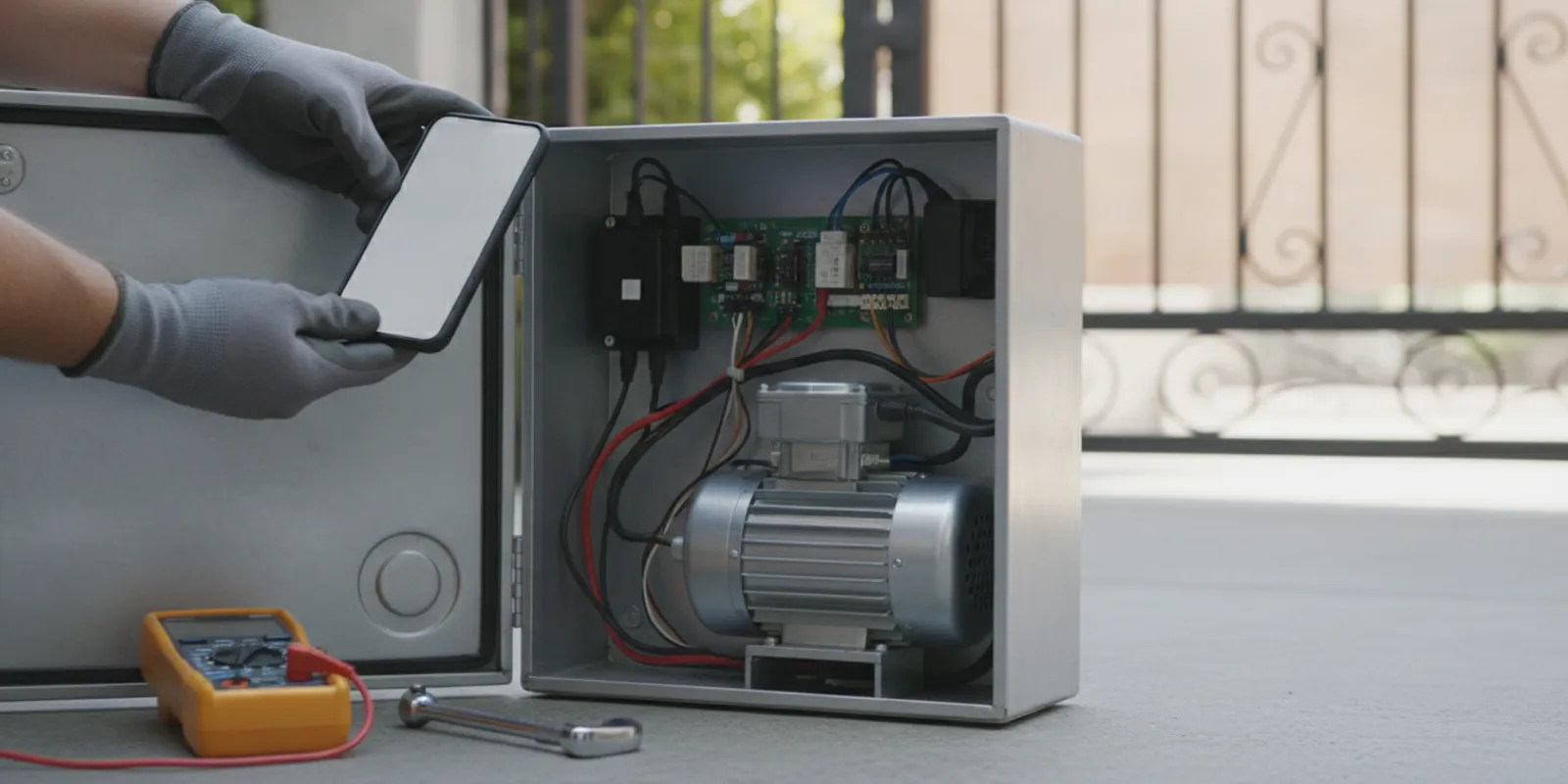
A smartphone gate entry system can let an authorized user open an existing electric gate from a mobile device, but the phone is only one part of the setup. The operator, access-control interface, connection method, and user permissions all need to work together. This guide explains how the pieces fit, what to check before choosing an approach, and when to bring in a gate-system technician.
Request a professional assessment
What is a smartphone gate entry system?
It is a way to send an authorized gate command from a smartphone to the access-control equipment that communicates with an existing electric operator. Depending on the product and site configuration, the user may interact through an app, a web-based interface, or a mobile credential. The operator then receives a signal through a compatible control connection.
The phone does not usually move the gate by itself. A mobile-access device or service acts as the link between the user and the equipment at the property. The operator still has to be suitable for the gate, properly connected, and configured to respond to the intended command. Some installations also combine mobile access with keypads, remotes, intercoms, or other entry methods.
A 2021 paper describing a smart-gate prototype used a smartphone to control gate opening and closing remotely. That paper illustrates the basic idea; it does not establish that every commercial product uses the same hardware or offers the same features. The actual functions depend on the selected equipment and its setup.
How does mobile access connect to an existing operator?
A typical arrangement has four parts: the phone or user interface, a communication path, an access-control device, and the electric operator. The user sends a command. The system checks or processes it according to its design. If the command is accepted and the equipment is ready, a control output tells the operator to begin its programmed cycle.
The connection method varies. A device may communicate over a local network, use an internet-connected service, or work through another supported interface. The property’s network coverage, equipment compatibility, and desired way of managing users all affect the choice. Do not assume that an app can connect directly to any operator just because the operator already accepts a remote or keypad.
For an overview of operator automation on an existing installation, see gate automation service. If the operator is already behaving unpredictably, a technician may need to evaluate its controls before a mobile feature is added; the electric gate repair page describes that service.
Which mobile-access approach fits the property?
There is no single arrangement that suits every home, shared driveway, or managed property. The right questions are practical: who needs access, where will they use it, what equipment is already installed, and how should access be updated when circumstances change? The table compares common approaches at a high level. Product capabilities and connection requirements differ, so confirm the details for the actual equipment.
| Approach | How it is used | What to confirm |
|---|---|---|
| Mobile app with connected interface | An authorized user sends a command through an app and its supported connection. | Operator compatibility, network or service needs, user administration, and what happens during a connection interruption. |
| Mobile credential in a broader access system | A phone is treated as one credential among other supported entry methods. | Whether the current controller supports mobile credentials and how users are added, changed, or removed. |
| Telephone entry retained alongside mobile access | Residents or staff use mobile access while visitors continue to use an established call-and-release process. | How the two methods connect to the operator and whether the existing entry equipment remains suitable. |
| Existing remote or keypad retained | Mobile access is added while familiar access methods continue to serve users who need them. | Whether the controls can coexist, how each is managed, and which method is available to each user group. |
This comparison is a planning aid, not a product specification. A technician should identify the installed operator and controller, then verify supported inputs and the proposed interface before recommending an installation. For related options, explore gate access-control systems and keypad systems.
What should you check before choosing a system?
Start with the equipment already in place
Record the operator’s manufacturer and model if they are easy to identify, along with the type of gate and any visible access-control equipment. A technician can use that information to investigate compatibility. If the model label is difficult to reach or the controls are unfamiliar, do not open equipment enclosures or handle wiring to find it. A clear photo taken from a safe position can be useful during an initial discussion.
Also note what currently works: for example, whether a remote, keypad, or telephone-entry unit can activate the operator. Describe the specific behavior you see rather than deciding in advance that a component needs replacement. Diagnosis helps determine whether the issue involves the operator, an access device, the connection, or more than one part.
Map the people and access routines
List the user groups that need entry: household members, staff, residents, property managers, regular visitors, or service providers. Consider whether they need the same level of access and who should be able to administer accounts. Ask how a user is added, how access is removed when a person no longer needs it, and whether the property needs a way to manage visitors who do not have the app.
For a shared property, include the person responsible for maintaining the user list and communicating changes. A system is easier to manage when there is a clear owner for that task. Think about whether some users need a keypad, remote, or call-based option in addition to a phone, rather than assuming every person will use one method.
Understand the connection requirements
Ask what network or service the selected equipment requires, whether the intended access point has reliable coverage, and what functions depend on an active connection. Clarify what users can do if a phone is unavailable or the connection is interrupted. Do not treat a feature description as a guarantee of operation under every network condition; ask the installer to explain the specific setup and its limits.
If a property has separate vehicle entry points or long distances between equipment, mention that during planning. The installation location and existing wiring can affect the work required. When a vehicle loop sensor or another operator input is part of the arrangement, it should be assessed as part of the full system rather than treated as an unrelated add-on. Learn more about underground vehicle detection.
Plan permissions and everyday use
Decide who can invite users, change permissions, and respond when a phone is lost or replaced. Ask how the system identifies each user and what records or controls are available to the property administrator. These answers depend on the product, so request an explanation of the selected system instead of assuming all mobile-access platforms work alike.
Walk through ordinary situations with the installer: a resident arriving, a visitor requesting entry, a delivery, and a new user who needs access. This helps reveal whether the planned combination of mobile access and existing controls matches actual routines. If visitors currently use a call station, see telephone-entry service for information on that separate access method.
Can a smartphone system work with an existing telephone entry unit?
Sometimes a property can retain telephone entry and add mobile access, but one method does not automatically replace or connect to the other. Telephone entry commonly centers on a visitor call and a release command, while a mobile system may be managed through a separate app or controller. The exact relationship depends on the installed equipment and the chosen interface.
Before changing anything, identify how the current telephone-entry unit communicates with the operator and which users rely on it. Ask whether both methods can remain available, how visitor calls will be handled, and which equipment will manage access permissions. For a property that needs a call-based option, compare the current setup with gate buzzer system service and intercom system service.
What does a professional installation assessment cover?
A useful assessment starts with the existing gate operator and its controls, not with an assumption that a new device will fit. The technician can identify the equipment, review the current access methods, and determine which supported connection options are appropriate. If the operator or access-control components are not working correctly, that condition should be understood before planning an addition.
The discussion should then cover the intended users, the connection requirements, the location of equipment, and how permissions will be administered. The installer can explain what will be connected, how the proposed system interacts with the operator, and what users should expect during normal operation. Ask which existing features will remain and whether any changes to the controls are part of the proposed work.
InteleGates provides service for existing electric gate operators and access-control equipment in Los Angeles County and Orange County. Review the service areas or learn about electric gate maintenance. A technician can discuss the existing setup and the service that may be appropriate after learning the details.
What information should you prepare?
Before contacting a service provider, gather a few details that make the conversation more useful:
- The property’s city and whether an electric operator is already installed.
- The gate type, if known, and the operator or controller make and model, if visible.
- The access methods in use now, such as remotes, a keypad, an intercom, or telephone entry.
- The specific goal: remote opening for residents, user administration, visitor handling, or a combination.
- Any current symptoms, such as an access device that no longer activates the operator reliably.
- The people who need access and who will manage user changes.
- Any network or equipment constraints you already know about.
You do not need to select a device or decide how it should be wired before asking for help. Sharing what is installed and how the property is used gives the technician a starting point for evaluating suitable options. If the issue is an operator fault, the LiftMaster repair page describes assistance for that brand, where applicable.
Discuss your existing gate system
How can you compare mobile-access options?
Compare the whole use case, not only the phone interface. A useful choice should fit the operator, the property’s connection conditions, the people who need access, and the way entry is managed every day. Ask the installer to explain which component receives a mobile command and how that component communicates with the existing operator. This keeps the discussion grounded in the equipment at the property rather than a list of app features in isolation.
Next, ask what happens in ordinary situations. Can each user use their own credential, or does the property administrator issue access another way? What is the process if a user changes phones or no longer needs access? Can visitors still contact someone at the property? Which existing remotes, keypads, or call stations are expected to remain in service? The answers help you see whether the plan works for residents and guests, not just the person who selected it.
Consider who will maintain the arrangement after installation. A shared property may need a named administrator and a simple process for updating the user list. A household may care more about having a familiar alternative when someone’s phone is unavailable. A managed site may need to coordinate access changes with its property-management routines. Describe those needs before equipment is selected so the installer can explain which functions are supported and which require a different configuration.
Finally, ask the technician to distinguish confirmed compatibility from assumptions. The operator model, controller, connection method, and existing wiring can all influence what is practical. Request a clear explanation of what will be added, what will stay, and how the proposed controls will be tested after installation. If the existing system has intermittent behavior, mention when it occurs and which access methods are affected; symptoms may help guide diagnosis, but they do not identify a failed component on their own.
These questions also make it easier to compare recommendations on an equal basis. Note whether each proposal addresses the same user groups, existing entry methods, and connection requirements. If one option changes the property’s familiar visitor process while another keeps it, make that difference explicit. A well-matched arrangement is one the property can operate and administer consistently, with the existing operator and access equipment taken into account.
Frequently Asked Questions
Does a smartphone gate entry system replace the electric operator?
No. Mobile access is an input or access method; the existing electric operator still moves the gate. The interface must be compatible with the operator and its controls.
Can several people use mobile access?
That depends on the selected product and how user permissions are managed. Ask how users are added, updated, and removed, and who at the property is responsible for managing those changes.
Will mobile access work if the internet connection is unavailable?
That depends on the equipment and connection design. Confirm which functions rely on internet or local network service, what may be unavailable during an interruption, and what other access methods remain available.
Can a property keep remotes, a keypad, or telephone entry?
Often an installation can be planned around more than one access method, but compatibility and configuration need to be checked. Tell the technician which existing methods people rely on before selecting an approach.
Choose mobile access around the existing system
A smartphone can be a convenient way to request gate access, but the result depends on the operator, connected controls, communication method, and user-management plan. Start with the equipment already on site and the people who need to use it. A professional assessment can help determine how mobile access fits with the existing electric gate system.