
InteleGates Guide
The Essential Guide to Your Gate Opener Remote
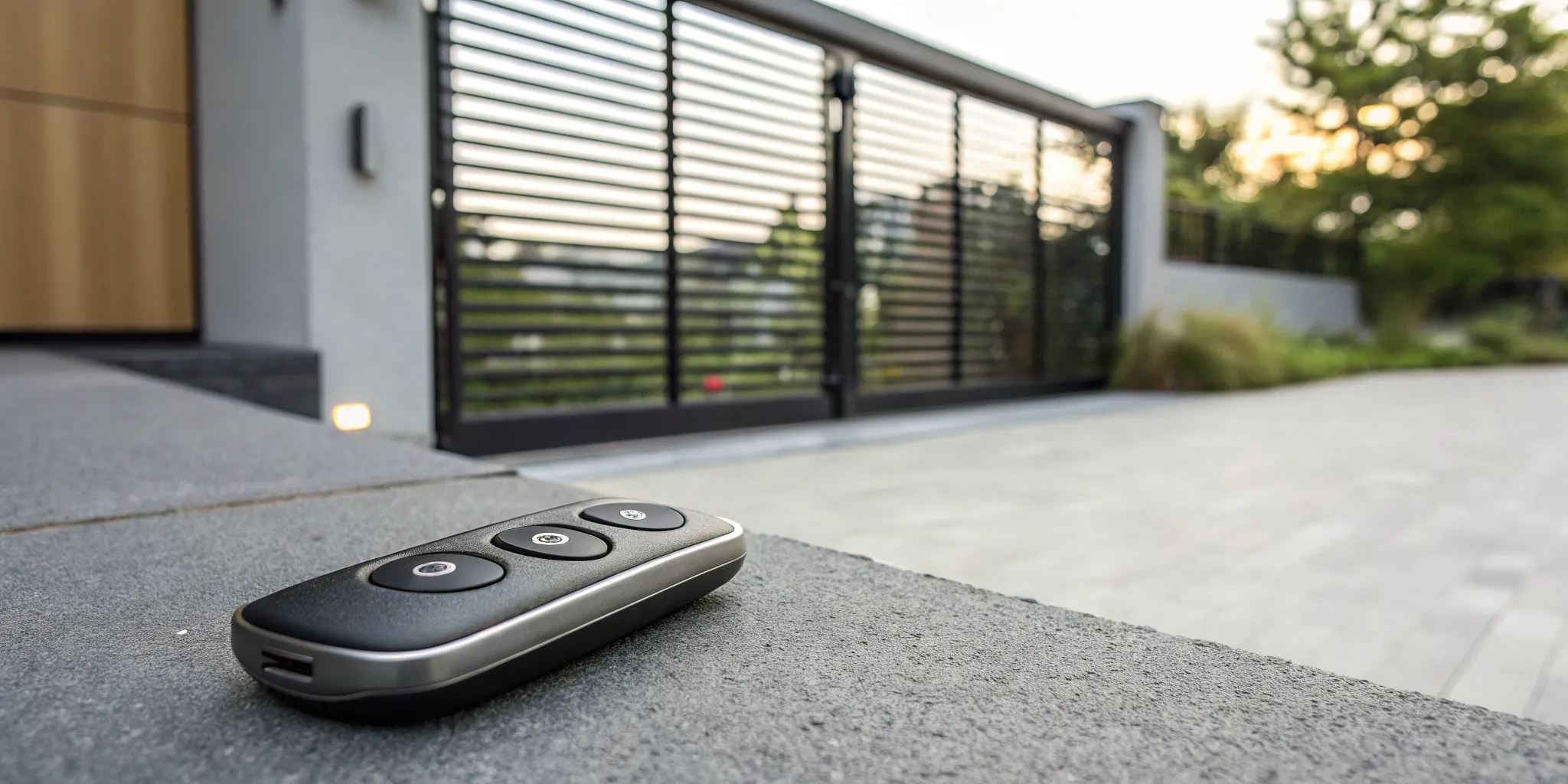
You invested in an automatic gate for security and convenience, and the remote is your command center for that system. But is it as secure as it should be? An outdated or malfunctioning gate opener remote can become a weak link in your property’s defense. Modern remotes use advanced technology like rolling codes to prevent unauthorized access, a feature older models lack. This guide will help you understand the crucial security features your remote should have, how to maintain it for dependable operation, and when it’s time for an upgrade to ensure your property remains safe and accessible only to you.
Key Takeaways
- Match your remote to your system: To ensure your new remote works, first identify your gate opener's brand, model, and frequency. This information is the key to finding a compatible remote and avoiding the frustration of a device that won't sync.
- Choose features that fit your life: Look beyond the basic open function and consider features that improve security and convenience. Rolling code technology is essential for security, while multi-button or smartphone-integrated remotes can simplify access if you manage multiple entry points.
- Start with the simple fixes: When your remote acts up, don't assume the worst. Most issues can be solved by replacing the battery, moving closer to the gate to avoid interference, or checking that nothing is blocking the gate's sensors. These quick checks can save you time and a service call.
What Are the Different Types of Gate Remotes?
When it comes to your electric gate, the remote is your key. But not all keys are the same. Gate remotes come in several styles, each designed to fit different lifestyles and security needs. From the beautifully simple to the tech-savvy, understanding your options is the first step toward seamless and secure access to your property. Choosing the right one depends on how many access points you have, who needs to use them, and how you prefer to manage your entry. Let’s look at the most common types you’ll encounter.
Single-Button Remotes
Think of the single-button remote as the specialist. It does one job, and it does it well. These remotes are designed to control a single device, like your main driveway gate or a garage door. Their straightforward design makes them incredibly easy to use, which is perfect if you want a no-fuss solution for your property. Because they are so simple, they are a reliable and popular choice for basic gate automation. If you only have one automated entry point, a single-button remote like the LiftMaster 891LM offers dependable access without any confusing extra buttons. It’s the classic, reliable choice for getting you in and out with a simple click.
Multi-Button Remotes
If your property has more than one entry point, a multi-button remote is your best friend. These remotes offer the versatility to control several devices from a single, convenient clicker. You could open your main gate with one button, your garage door with another, and maybe even activate a secondary pedestrian gate with a third. This eliminates the need to carry multiple remotes, simplifying your daily routine. Multi-button remotes are ideal for homeowners with a more complex access control system or for business owners who need to manage different access points for employees and deliveries. They give you centralized control right in the palm of your hand.
Keychain Remotes
For those who are always on the go, keychain remotes offer the perfect blend of convenience and portability. These compact devices are small enough to clip onto your keys or slip into a pocket, so you never have to rummage through your car’s center console to find your gate opener. Despite their small size, they pack the same power and range as their larger counterparts. Keychain remotes are an excellent choice for anyone who values convenience, from busy parents to active individuals who might be entering the property on foot or by bicycle. They ensure your access is always within arm’s reach without adding any bulk.
Smartphone-Integrated Remotes
Welcome to the future of gate access. Smartphone-integrated systems turn the device you already carry everywhere into a powerful remote control. By using a mobile app, you can open or close your gate from anywhere with a cell signal. This is incredibly useful for letting in guests or delivery drivers when you’re not home. Many modern intercom system services include this feature, often adding extra security benefits like entry logs and video monitoring. This technology not only offers unmatched convenience but also gives you greater control and peace of mind over who enters your property, making it a smart upgrade for any modern home or business.
What Features Matter in a Gate Opener Remote?
When you’re picking a gate remote, it’s easy to think they’re all the same. But the right features can make a world of difference in your daily routine and your property’s security. Think of your remote as the key to your castle. You want it to be reliable, secure, and easy to use. From how far away you can open the gate to its security technology, every detail matters. Let's walk through the key features to look for so you can choose a remote that perfectly suits your needs and gives you peace of mind.
Range and Signal Strength
There’s nothing more frustrating than sitting at the end of your driveway, pointing your remote at the gate, and getting no response. That’s why range and signal strength are at the top of the list. A good remote should have enough range to let you open the gate as you approach, not when you’re right in front of it. This ensures a smooth, seamless entry to your property. A strong signal is also crucial for cutting through potential interference from other wireless devices. When planning your electric gate system installation, we can help you choose a remote and receiver combination that provides the reliable performance you need.
Rolling Code Security
Security is probably the main reason you have a gate in the first place, and your remote plays a big role in that. Older remotes used a fixed code, which meant that if someone intercepted your signal, they could use it to open your gate. Modern remotes use rolling code technology, which is a game-changer. Each time you press the button, the remote sends a new, encrypted code to the receiver. This constantly changing code makes it nearly impossible for anyone to capture your signal and gain unauthorized access. This feature is a non-negotiable for any secure access control system.
Battery Life and Weather Resistance
A remote is only useful if it works when you need it to. One of the most common reasons a remote fails is simply a dead battery. Look for a model with a long battery life and one that uses common battery sizes that are easy to find and replace. Beyond the battery, consider the remote's durability. It’s going to live on your keychain, in your car’s cup holder, or at the bottom of a bag. A weather-resistant remote that can handle a little rain or the Los Angeles heat, and survive an accidental drop, will save you from needing a premature replacement. If your remote stops working, a quick battery change might be the only electric gate system repair you need.
Frequency Compatibility
Not all remotes can talk to all gate openers. Your gate opener’s receiver is designed to listen for a signal on a specific frequency. For your remote to work, it must broadcast on that exact same frequency. While universal remotes exist and can be programmed to work with many brands, they aren’t truly universal. The most reliable option is to use a remote that is specifically designed for your gate opener’s make and model. This ensures all the features of your gate automation system work together flawlessly, without any communication hiccups.
Smart Home Integration
We use our phones for everything, so why not to open our gates? Many modern gate systems offer smart home integration, allowing you to control your gate using a smartphone app. This is incredibly convenient, as you no longer need to carry a separate remote. You can also grant temporary access to visitors, receive notifications when your gate is opened, and even open it remotely for a delivery driver. This level of control is often built into advanced systems, like a smart intercom system service, which combines communication and access into one streamlined package.
User-Friendly Design
The best technology is the kind you don’t have to think about. A well-designed gate remote should be intuitive and straightforward. This means clearly labeled buttons that are easy to press without being so sensitive that they cause accidental openings from your pocket. The programming process should also be simple, often involving just pressing a "Learn" button on your gate opener unit. The physical design matters, too. A compact, lightweight remote that fits comfortably on a keychain is much more convenient than a bulky one. These small details contribute to a better experience every time you come and go.
How to Choose the Right Gate Remote
Choosing a new gate remote might seem like a small task, but it’s a decision that impacts your daily convenience and security. With a little bit of information, you can confidently pick a remote that works seamlessly with your system. Think of it as finding the right key for a very important lock. The goal is to find a remote that not only opens your gate but also integrates smoothly with your existing setup and lifestyle. Let’s walk through the key factors to consider to make sure you get it right the first time.
Check Your Gate Opener's Brand and Model
Before you start shopping, the first step is to play detective with your current gate opener. Your remote and your gate opener’s receiver need to speak the same language to communicate. The easiest way to ensure this is by matching the brand and model. You can usually find this information printed directly on the motor housing of your gate opener or in the owner’s manual. Knowing these details is the most reliable way to find a compatible replacement remote, preventing the headache of buying a clicker that just won’t sync with your gate automation system.
Match the Frequency
Every gate remote operates on a specific frequency, much like a radio station. If the remote and the receiver aren't tuned to the same frequency, they can't communicate. This frequency is often listed on the back of your old remote or on the receiver unit inside your opener's control box. While "universal" remotes are available and can be a convenient option, they don't work with every single system. Always double-check that a universal remote explicitly lists your gate opener's brand and frequency as compatible before you buy it. This simple check can save you a lot of frustration.
Consider Your Gate Type
The type of gate you have, whether it’s a swinging or sliding gate, influences the kind of opener system installed. While most remotes work with either type, some advanced models offer features tailored to specific gate functions. For example, a multi-button remote could be programmed to open a single side of a dual-swing gate for pedestrian access or to fully open both sides for a vehicle. When selecting a remote, think about how you use your gate and whether a more sophisticated remote could make your daily routine easier. This is especially important when planning a new electric gate system installation.
Ensure Compatibility with Access Control Devices
Your gate remote is often just one piece of a larger security puzzle. Many properties use an integrated system that might include keypads, intercoms, or underground vehicle sensors. When adding or replacing a remote, you need to ensure it will work in harmony with your entire access control system. A new remote needs to be compatible with the system's receiver without interfering with other entry methods. If your setup is complex, it’s wise to choose a remote that is known to integrate well or consult with a professional to ensure all components function together smoothly.
How to Program Your New Gate Remote
Getting your new gate remote up and running is usually a quick task you can handle yourself. It might feel a bit technical at first, but most gate openers are designed for simple programming. The exact steps will depend on your gate opener’s brand and model, but they typically fall into one of a few common methods.
Whether your system uses tiny internal switches or a modern "learn" button, the goal is the same: to create a secure link between your remote and your gate. Think of it as introducing your remote to your gate so they can communicate. We’ll walk through the most common ways to program your remote, sync it with your car, and troubleshoot any little hiccups you might encounter along the way.
Program with DIP Switches
If you have an older gate opener, it likely uses DIP switches for programming. When you open your remote’s casing and look at the receiver on your gate opener, you’ll find a small bank of tiny, numbered switches. Your job is to match the on/off pattern of the switches on the remote to the pattern on the receiver. It’s like setting a secret code that only your remote and opener share. Just be sure to use a small tool, like a paperclip or a tiny screwdriver, to gently flip the switches into the correct position. Once the patterns match, your remote should be ready to go.
Use the "Learn" Button
Most modern openers make programming even easier with a "Learn" or "Program" button. You can typically find this button directly on the gate opener’s motor unit. To sync your remote, press and release the "Learn" button. You’ll usually have about 30 seconds to then press and hold the button on your remote that you want to use. The opener’s indicator light will often blink or turn solid to confirm it has successfully learned the new remote. This simple process is a key part of your property's gate automation, making secure access a breeze.
Sync Your Remote with Your Car
For ultimate convenience, you can often program your gate to open directly from your car’s built-in remote system, like HomeLink. This lets you skip fumbling for a separate remote. The process varies depending on your vehicle’s make and model, so your car’s owner manual is the best place to start. Generally, it involves putting your car in "learn" mode and holding your gate remote near the in-car transmitter to copy its signal. Syncing your remote with your car streamlines your entry and exit, adding a touch of seamless integration to your daily routine.
Avoid Common Programming Mistakes
If your remote isn’t working after you’ve programmed it, don’t worry. A few simple checks can often solve the problem. First, try using another device, like your keypad or intercom system, to open the gate. This helps you figure out if the issue is with the remote or the gate opener itself. Also, double-check that your remote has a fresh battery and that you’re within range of the gate. If you’ve tried everything and it’s still not responding, the receiver might have an issue. In that case, a professional electric gate system repair may be your next best step.
Why Isn't My Gate Remote Working?
There's nothing more frustrating than pressing the button on your gate remote and getting no response. You're stuck outside your own property, and your day comes to a screeching halt. Before you panic, remember that the fix is often surprisingly simple. Most of the time, a non-responsive remote is caused by a handful of common issues you can troubleshoot yourself in just a few minutes. Let's walk through the most likely culprits, from the easiest fixes to the signs that it's time to call for backup.
Check the Battery
Before you assume the worst, start with the most common and simplest fix: the battery. A dead or dying battery is the number one reason a gate remote stops working. Even if the little red light on your remote still blinks, the battery might not have enough power to send a strong signal to the gate opener. Replacing the battery is an easy first step that could solve your problem instantly. Most remotes have a small screw or a clasp holding the case together. Just open it up, note the battery type, and swap it out for a fresh one.
Look for Signal Interference
If a new battery doesn't do the trick, your remote's signal might be getting blocked. This is called signal interference, and it can come from many sources. Other remote controls, new electronic devices in your home, or even certain types of LED lighting can disrupt the frequency your gate uses. Try moving closer to the gate's receiver to see if a stronger signal can cut through the noise. Sometimes, simply changing your position or pointing the remote from a different angle is all it takes to get a clear connection and get your gate moving again.
Make Sure You're in Range
Every remote has a maximum effective range, and if you're too far away, the signal won't reach the receiver. But distance isn't the only factor. Physical obstructions like walls, trees, or other vehicles can also weaken the signal. It's also a good idea to check your gate's photo-eye sensors. These small sensors, located on either side of your gate, can get covered in dirt, cobwebs, or leaves. If they're blocked, the gate's safety system might prevent it from operating. A quick wipe-down can ensure they have a clear line of sight and can properly receive your remote's command.
Double-Check the Programming
Sometimes a remote can lose its connection to the gate opener's receiver, especially after a battery change or a nearby power surge. When this happens, your remote needs to be reprogrammed. The process for this varies depending on your gate system, so your best bet is to find the user manual for your specific gate opener. Most modern systems have a "Learn" button on the main opener unit that you press before pressing the button on your remote to sync them. It’s a straightforward process that re-establishes the unique link between your remote and your gate automation system.
Inspect the Receiver Board
If you've tried all the steps above and are still having no luck, the issue might be with the gate opener's receiver board itself. This is the component inside the main gate opener unit that listens for the signal from your remote. A visual inspection might reveal obvious damage, like burnt spots or loose wiring. If you're comfortable with electronics, you could test the board, but for most people, this is where DIY troubleshooting ends. A faulty receiver board is a clear sign that a more complex component has failed and will likely need professional attention to diagnose and fix correctly.
Know When to Call a Professional
You've changed the battery, checked for interference, and even tried reprogramming, but your gate still won't budge. At this point, it's time to call in an expert. Continuing to troubleshoot complex electrical components can be risky and may cause more damage. A professional technician can quickly diagnose whether the problem lies with the receiver, the opener motor, or the wiring. If you're in the Los Angeles area, our team provides expert electric gate system repair to get your system running smoothly again. We can handle everything from simple fixes to complex electronic issues, ensuring your gate is secure and reliable.
How to Maintain Your Gate Opener Remote
You’ve invested in the security and convenience of an automatic gate, so it’s incredibly frustrating when you push the button on your remote and nothing happens. A stubborn gate can throw off your whole day. The good news is that your remote is often the source of the problem, and a little preventative care can keep it working reliably for years. Just like any other electronic device, your gate remote needs some basic attention to perform its best. By following a few simple maintenance steps, you can avoid getting stuck outside your own property. These tips will help you keep your remote in top shape, ensuring smooth access every time you come and go. If you find the issue is bigger than just the remote, our electric gate system maintenance services can get everything back on track.
Replace Batteries Regularly
Before you assume the worst, let’s start with the most common fix: the battery. One of the most frequent problems with a gate remote is simply a dead battery, and replacing it is a simple fix that might solve your issue immediately. Don’t wait for the remote to stop working completely. If you notice you have to get closer to the gate for the signal to work, it’s a good sign the battery is on its way out. I recommend making it a habit to replace the batteries once a year, maybe around the same time you change the batteries in your smoke detectors. Keeping a few spares in your glove compartment is also a smart move for those just-in-case moments.
Protect Your Remote from Damage
Your gate remote probably gets tossed around more than you think, whether it’s in a purse, a pocket, or the center console of your car. Physical damage from drops or impacts can easily break the internal components. Try to keep it in a secure spot where it won’t get crushed or dropped. If your remote suddenly stops working, a good first step is to try opening the gate with another device, like a keypad or an intercom system. This helps you figure out if the problem is with the remote itself or with the main gate operator. A protective silicone case can also be a great, inexpensive way to shield it from daily wear and tear.
Keep the Remote Clean and Dry
Dust, dirt, and moisture are the enemies of any electronic device, and your gate remote is no exception. Grime can work its way into the seams around the buttons, causing them to stick or fail. To clean it, just wipe it down with a soft, dry cloth. Avoid using any harsh chemicals or liquid cleaners, as they can damage the casing and seep inside. It’s especially important to keep your remote dry. If it gets wet, the internal circuitry can short out, leaving you with a remote that’s beyond repair. A little bit of cleaning goes a long way in preserving its function and extending its lifespan.
Re-Sync Your Remote Periodically
Sometimes, your remote can lose its connection to the gate’s receiver. This can happen after changing the battery, during a power outage, or just randomly over time. Before you call for help, try re-syncing it. The process usually involves pressing the "Learn" button on your gate opener motor and then pressing the button on your remote. Because the exact steps can vary between brands, it’s best to check the manual for your specific model. If you’ve tried re-syncing and it’s still not working, or if you’re just not comfortable doing it yourself, don’t hesitate to call for a professional electric gate system repair. We can get it reprogrammed for you in no time.
Related Articles
- Remote Gate Openers in Los Angeles & OC — InteleGates Inc.
- Gate Remote Controls in Los Angeles & OC — InteleGates Inc.
- Gate Keypads vs. Remote Controls: Which Access Option Is Right? — InteleGates Inc.
- Gate Remote or Keypad Not Working? The Common Causes — InteleGates Inc.
- Remote Control And Intercom Systems For Automatic Gates — InteleGates Inc.
Frequently Asked Questions
My remote has four buttons, but I only use one for my gate. Can I use the extra buttons for anything else? Absolutely. Those extra buttons are there for you to customize. You can program them to control other compatible devices, like your garage door, a secondary gate, or even turn on an exterior light if your system supports it. Each device will need to be programmed to a separate button, but it’s a great way to consolidate all your clickers into one convenient remote.
Are "universal" remotes a good choice for a gate opener? While the idea of a single remote for everything is appealing, "universal" remotes can be a bit of a gamble. They don't work with every single gate opener brand, and sometimes they can't access all the features of your system, like rolling code security. The most reliable option is always a remote made by your gate opener's manufacturer. If you do consider a universal remote, make sure its packaging specifically lists your gate opener's brand and model as compatible.
What can I do to improve my remote's signal range? If you find yourself having to get right up to the gate for your remote to work, there are a few things you can try. First, always start with a fresh battery, as a weak battery means a weak signal. Next, check the antenna on your gate opener motor. Make sure it's pointing straight up and isn't damaged or blocked. Clearing away any new obstructions, like overgrown bushes or a parked vehicle that sits between you and the receiver, can also make a surprising difference.
What’s the real benefit of a smartphone app over a regular remote? A traditional remote is fantastic for its simplicity and reliability when you're pulling up to your home. A smartphone app, however, offers a different kind of convenience. It gives you the power to control your gate from anywhere, which is perfect for letting in a delivery person or a guest when you aren't home. Many apps also provide extra security features, like activity logs or video integration. Many people find that using both gives them the best of both worlds.
My remote stopped working right after I changed the battery. What happened? This is a very common issue, so don't worry. Sometimes, when a remote loses power, it can also lose its programming and forget how to talk to your gate. The fix is usually simple: you just need to re-sync it. Find the "Learn" button on your gate opener's motor unit, press it, and then press the button on your remote. This should re-establish the connection and get you back in business.